NewSonic SonoDur2 Issue 04 09/2016 Page 21
6 Connect and Disconnect Probe
The probes are connected to the SonoDur2 through a shielded connection cable. The silver metal
plug is a locking connector in accordance with the push-pull principle: When inserting the connector,
3 claws securely lock the connector into the jack. Releasing is only possible by pulling back the outer
sleeve of the plug which releases the locking claws!
Please connect or disconnect probes only when the instrument is switched of or the application is
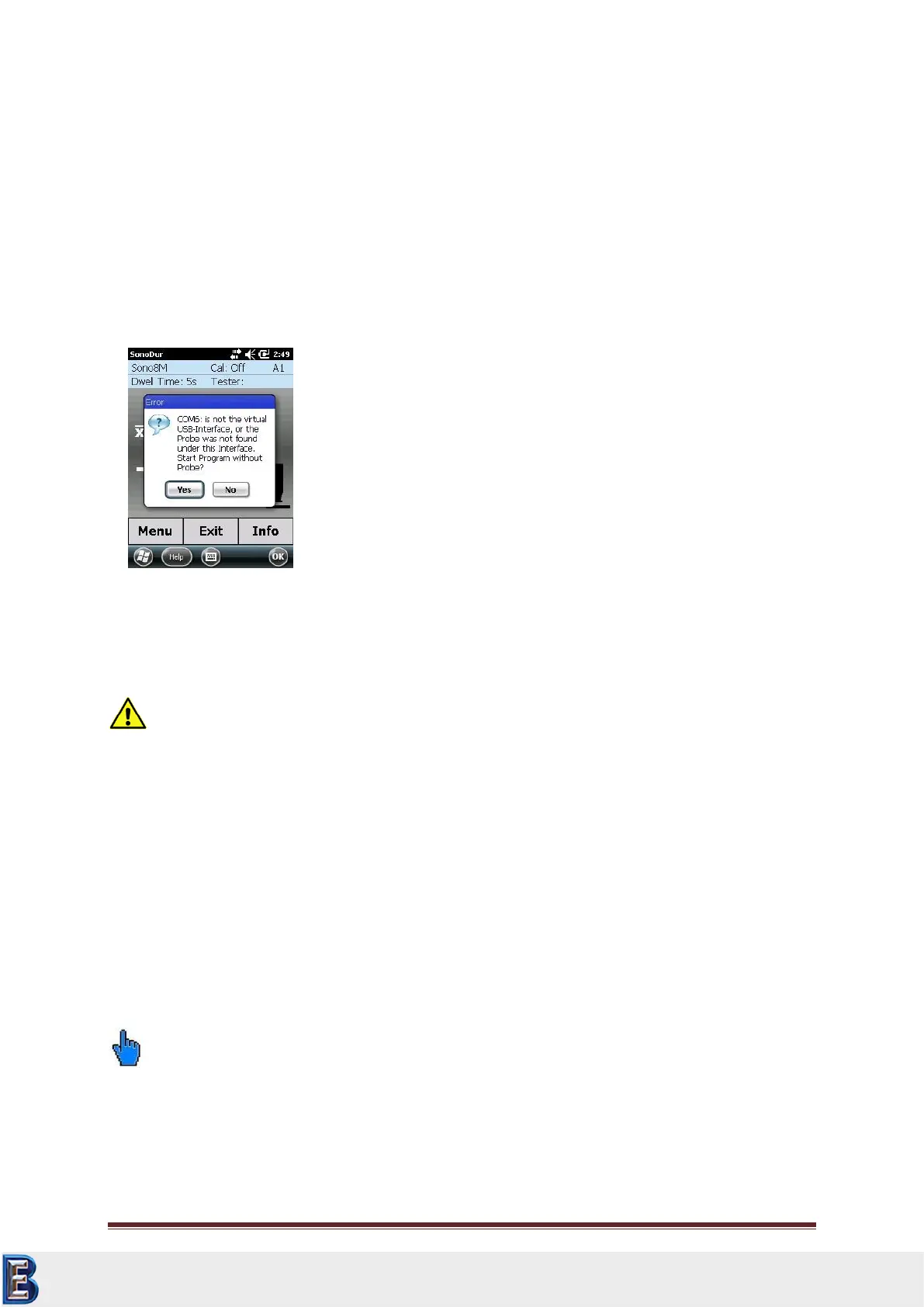
closed! Otherwise the instrument may not recognize the probe and the message “COM6: is not the
virtual USB-interface….” (Figure 6.1).
In this case the instrument should be switched off and on again.
Attention:
The connector has a contact arrangement, which allows the connection in only one position.
All connectors can only be inserted one way into the jack. Do not, under any circumstances, use force
since the connector system may get damaged.
6.1 Connect Probe
Carefully slide the silver metal plug into the probe socket and rotate until the plug has reached the
correct position and can be smoothly pushed into the socket. Locking is indicated by a "Click". The
connector is now firmly locked with the jack through 3 claws.
6.2 Disconnect Probe
Unlock the silver probe connector by pulling back the sleeve and pulling it out of the jack.
Please note:
The probe should not be connect or disconnect from the instrument during operation!
Your Complete Source for
Testing Equipment. Since 1969!
www.BergEng.com
Berg Engineering & Sales Company, Inc.
Tel 847-577-3980
info@bergeng.com



 To Next Page