NewSonic SonoDur2 Issue 04 09/2016 Page 23
7 Operation
7.1 Control Elements
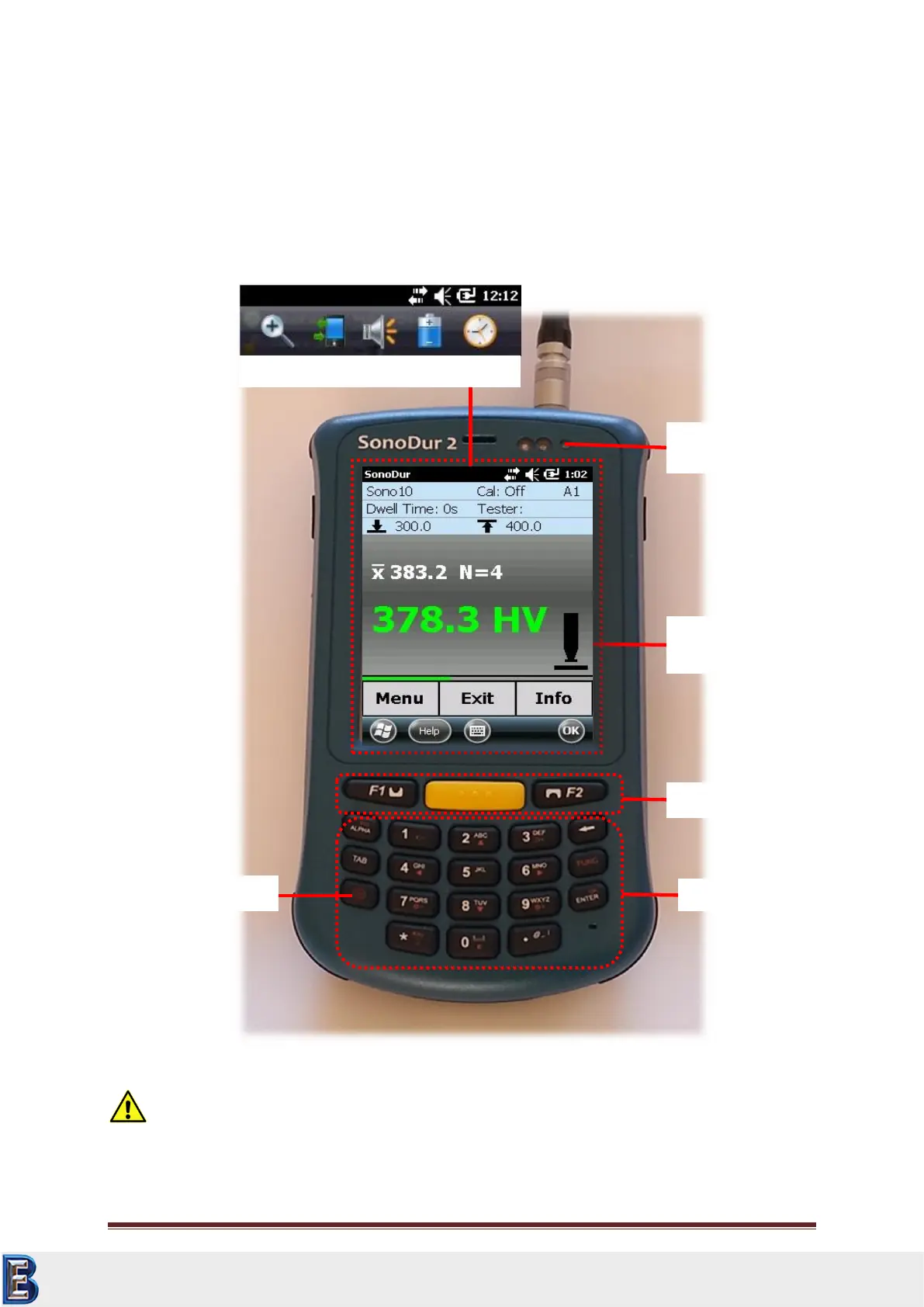
The SonoDur2 is operated via the keypad and touch-sensitive fields on the screen ("soft keys“). These
soft keys can be labeled fields, round buttons or symbols, numbers or figures and are activated by
soft touching the screen. Additional functions are available via the 3 function keys.
Attention:
CAUTION! Never use anything other than the stylus on the touch screen. Otherwise this could cause
a permanent damage.
Touchscreen with
„Softkeys“
Status Bar with pull down menu
Your Complete Source for
Testing Equipment. Since 1969!
www.BergEng.com
Berg Engineering & Sales Company, Inc.
Tel 847-577-3980
info@bergeng.com



 To Next Page