SHAPING THE FUTURE OF SATELLITE COMMUNICATIONS
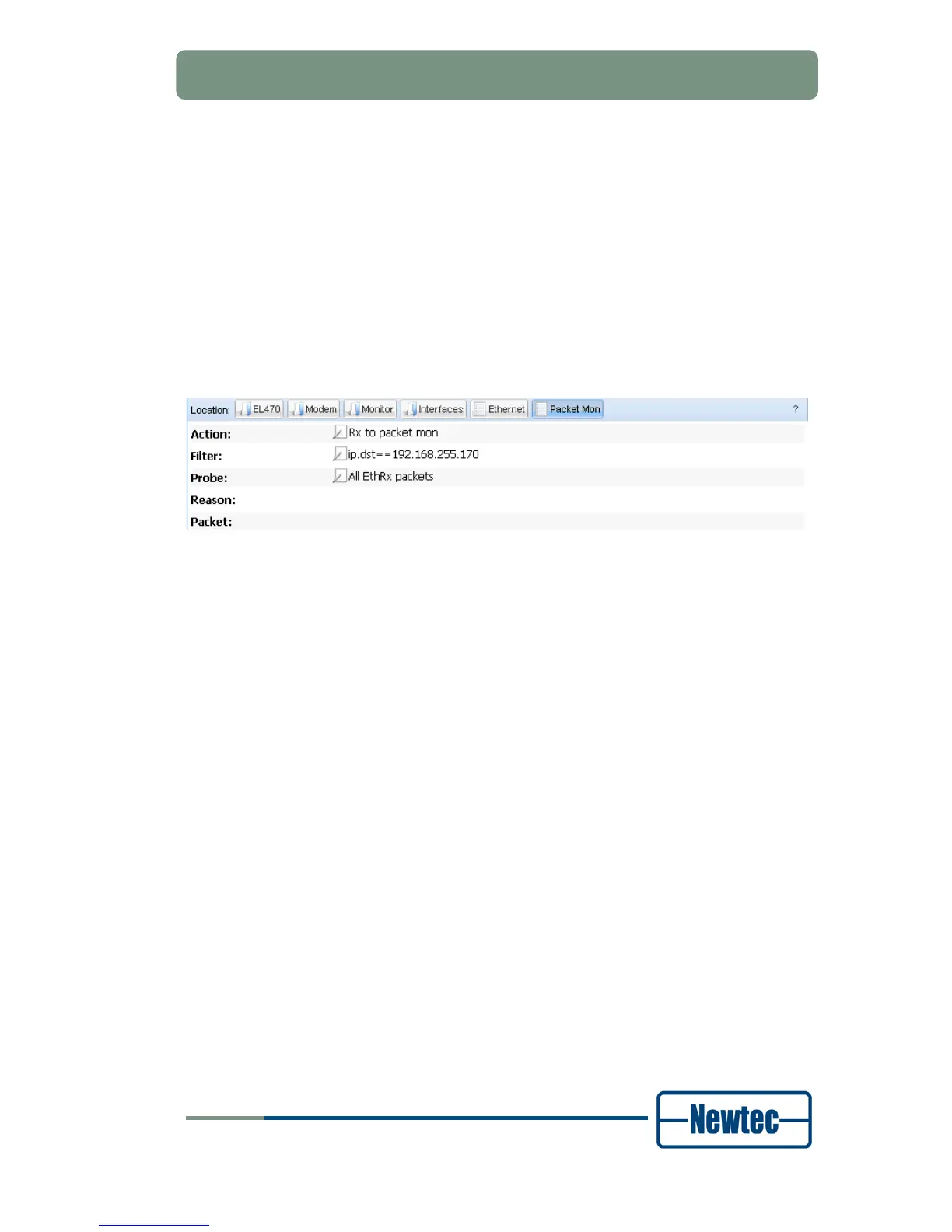
Select a Probe:
to configure which packets are logged to the packet log buffer:
-
All errors
-
No logging (default – packet monitor inactive)
-
All Eth packets
-
All EthRx packets
-
All EthTx packets (for terminating traffic from the traffic generator
or from iPerf)
-
All EthRx errors
-
All EthTx errors
-
ARP Rx packets
-
ARP Tx packets
Figure 107- Packet Monitor
The result of the packet monitor is displayed in the following fields:
• Reason - the reason for which the packet is logged. If
All errors, All EthRx
errors
or All EthTx errors is selected this gives the error cause;
• Packet - displays the header of a logged packet. In order to freeze this output,
the value for Probe is immediately changed in No logging.
The following counters are only displayed if Action is count or
rx to packet
monitor
.
• Counter – the number of packets that is captured by the packet monitor;
• Bit rate – the measured bit rate of the captured traffic stream;
• Sequence errors – the number of missing or error packets coming in case the
traffic stream is generated by the traffic generator or iPerf.



 To Next Page