SHAPING THE FUTURE OF SATELLITE COMMUNICATIONS
Use the buttons on the Macro tab to store sets of RMCP-commands. Manually
insert and assign up to twenty RMCP-commands separated by a “;” to one button
or change stored RMCP-command sets via the Edit option. Click the arrow next to
the button to open the Edit option.
An overview of all allowed RMCP-commands can be found in the
RMCP manual of your device.
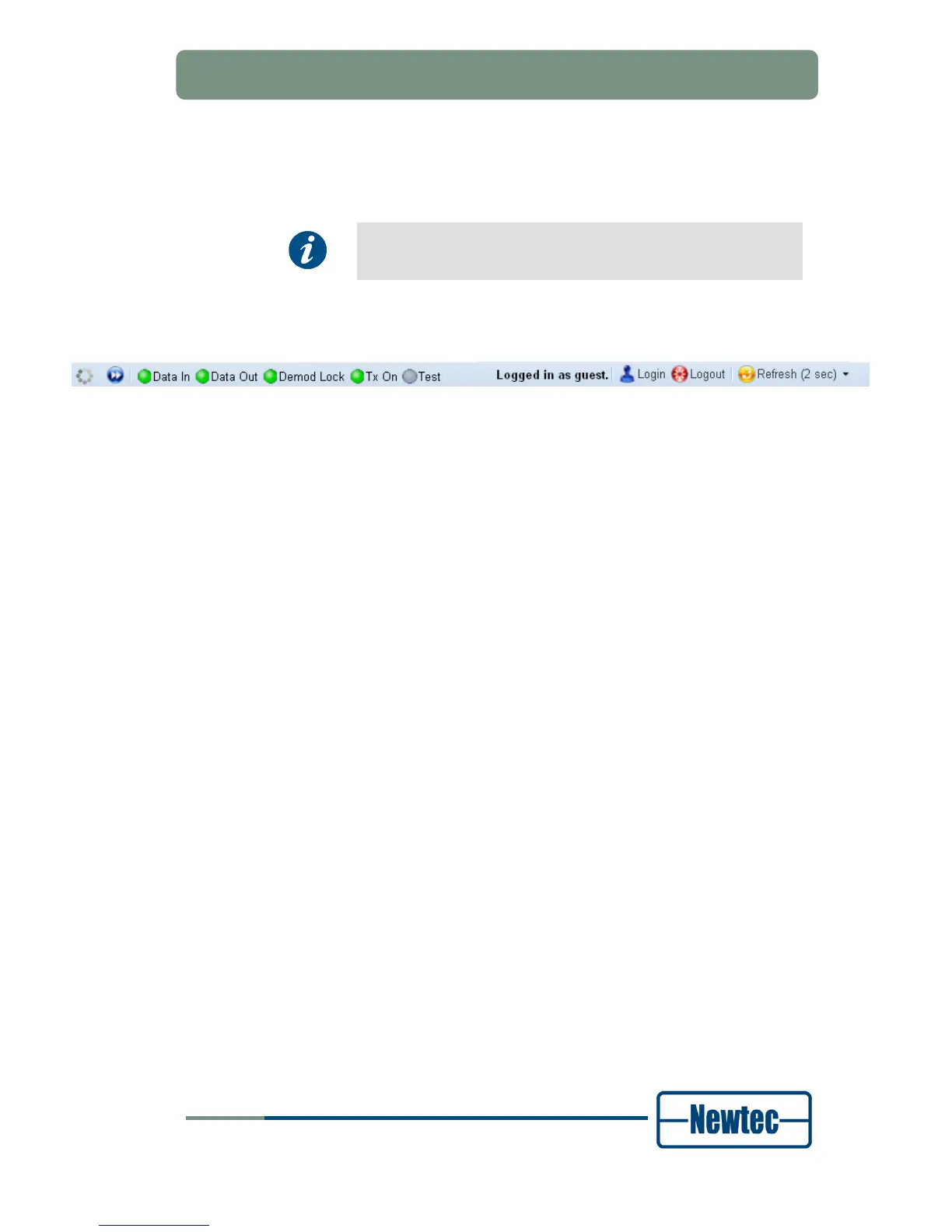
6.3.5 Status Bar
The status bar informs on:
• Ongoing interaction with the device via the status field on the left;
• The current user profile.
Log in to or log out from the GUI of the device via the buttons in the status bar.
• Logout button, the current user is logged out;
• Login button, open the User identification dialog box.
• Refresh button, updates the synoptic view. Click the arrow to set the automatic
refresh time.



 To Next Page