SHAPING THE FUTURE OF SATELLITE COMMUNICATIONS
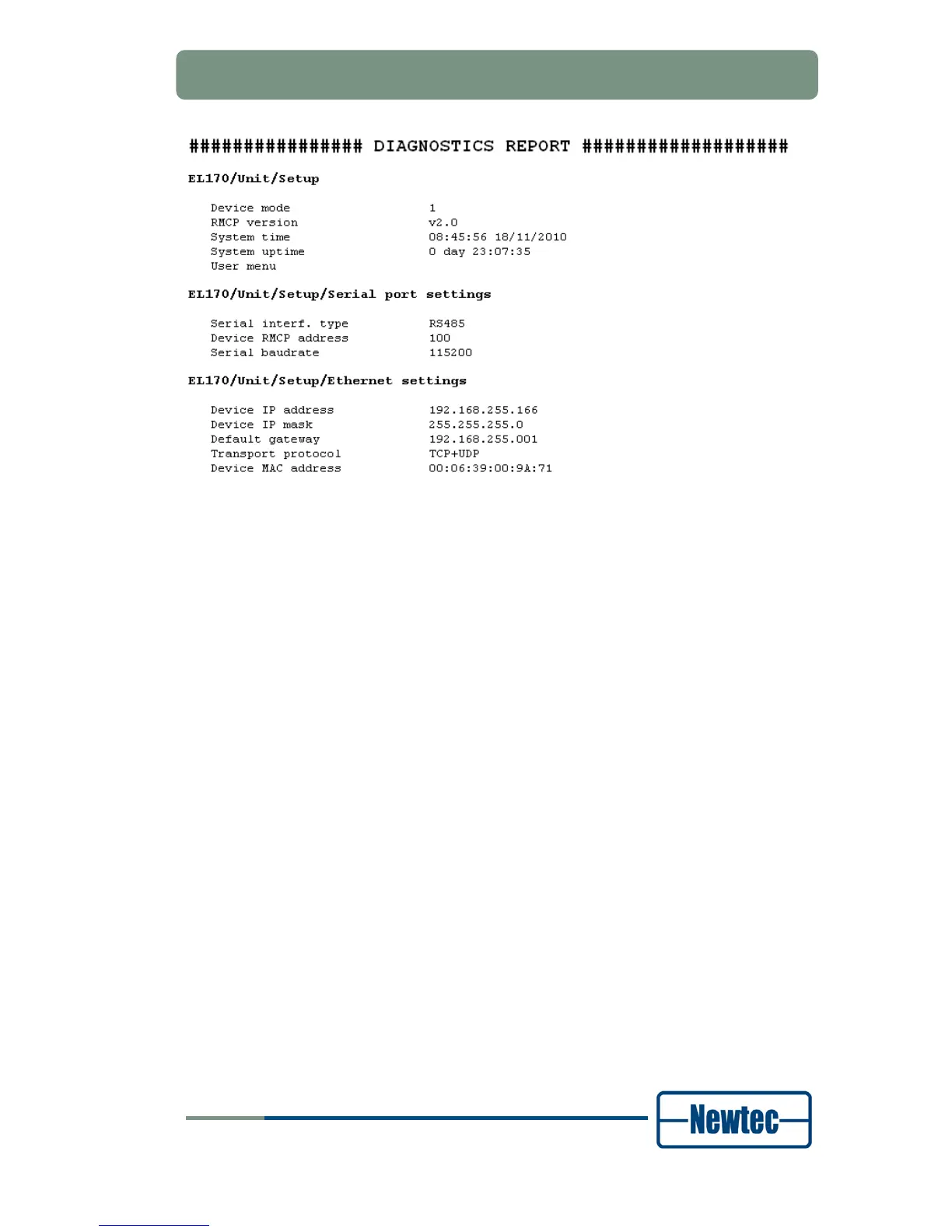
Figure 54 – Extract of a Diagnostics Report
6.7.1 Copy a Configuartion on a Different Device
It is possible to exchange a configuration between devices of the same product line
(with the same capabilities and options) by exporting and importing configurations.
6.7.1.1 Exporting a Configuration
The possibility exists to export all 48 stored device configurations at once as a
“.cfg” file on a local computer.
Proceed as follows to export a configuration set:
Click the Configs Tab;
Click the Export button;
Browse to the location where to store the “.cfg” file (the browsing window depends
on your browser configuration);
Click Save.



 To Next Page