SHAPING THE FUTURE OF SATELLITE COMMUNICATIONS
The alarm window contains the following information and control buttons (refer to
Figure 40):
Area No. Description
1 This area displays the alarm name.
2 This area displays the number of times an alarm was generated
since it was last cleared.
3 This area contains a drop-down list with the following selectable
alarm filters:
• Active alarms;
• Non-masked alarms;
• All alarms.
4 Clear the number of times an alarm was generated since it was last
cleared with the red cross button in this area. Active alarms can be
cleared but the counter will still show 1.
Table 7 – Alarm Window Areas
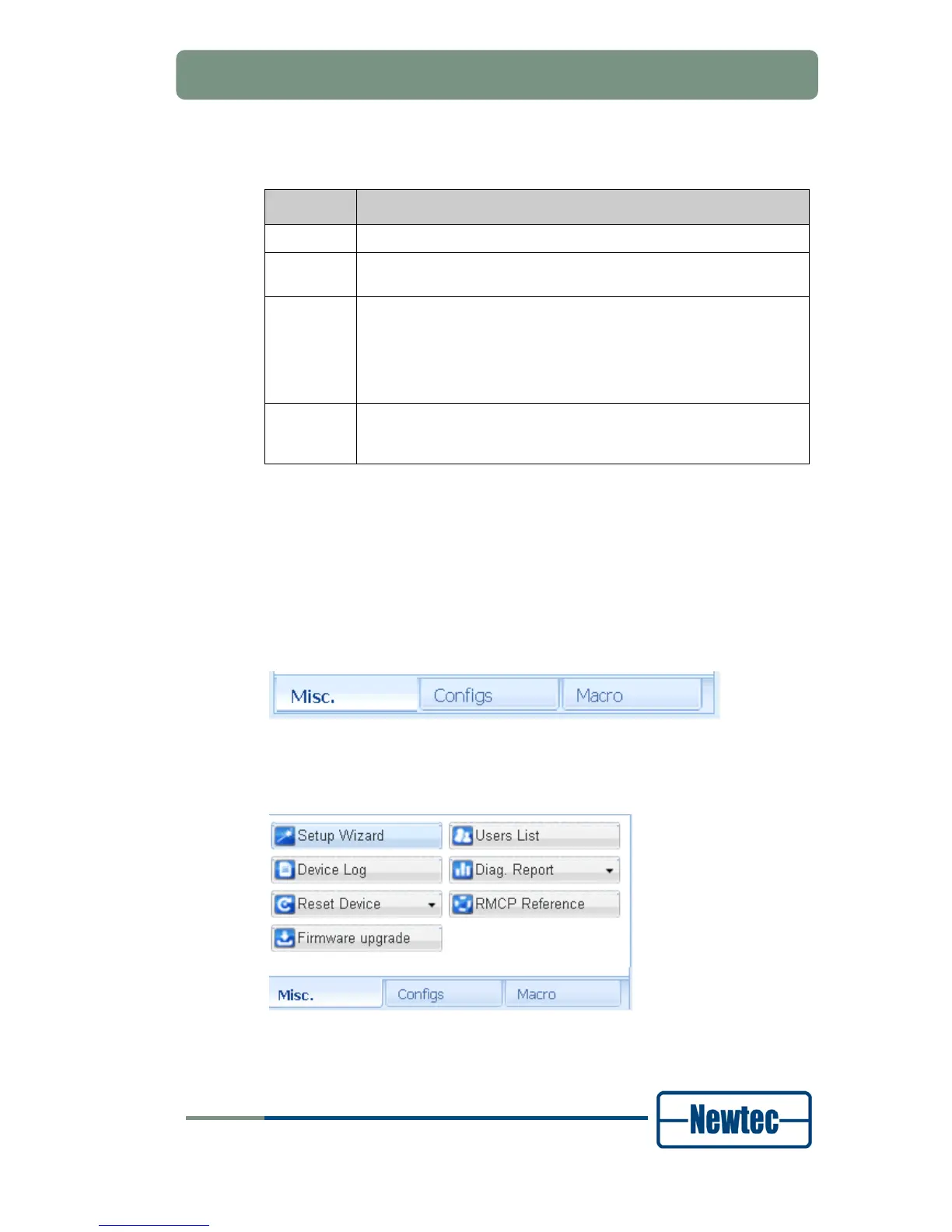
6.3.4 Function Control Window
The function control window contains three tabs:
• Miscellaneous (Misc.);
• Configs;
• Macro.
Figure 41 –Tabs Function Control Window
6.3.4.1 Miscellaneous Tab
Figure 42 - Miscellaneous Tab



 To Next Page