SHAPING THE FUTURE OF SATELLITE COMMUNICATIONS
6.4.4 Setup Wizard
The wizards function helps to setup the device for the first time.
To start up the configuration wizard proceed as follows:
Click Misc. > Setup Wizard
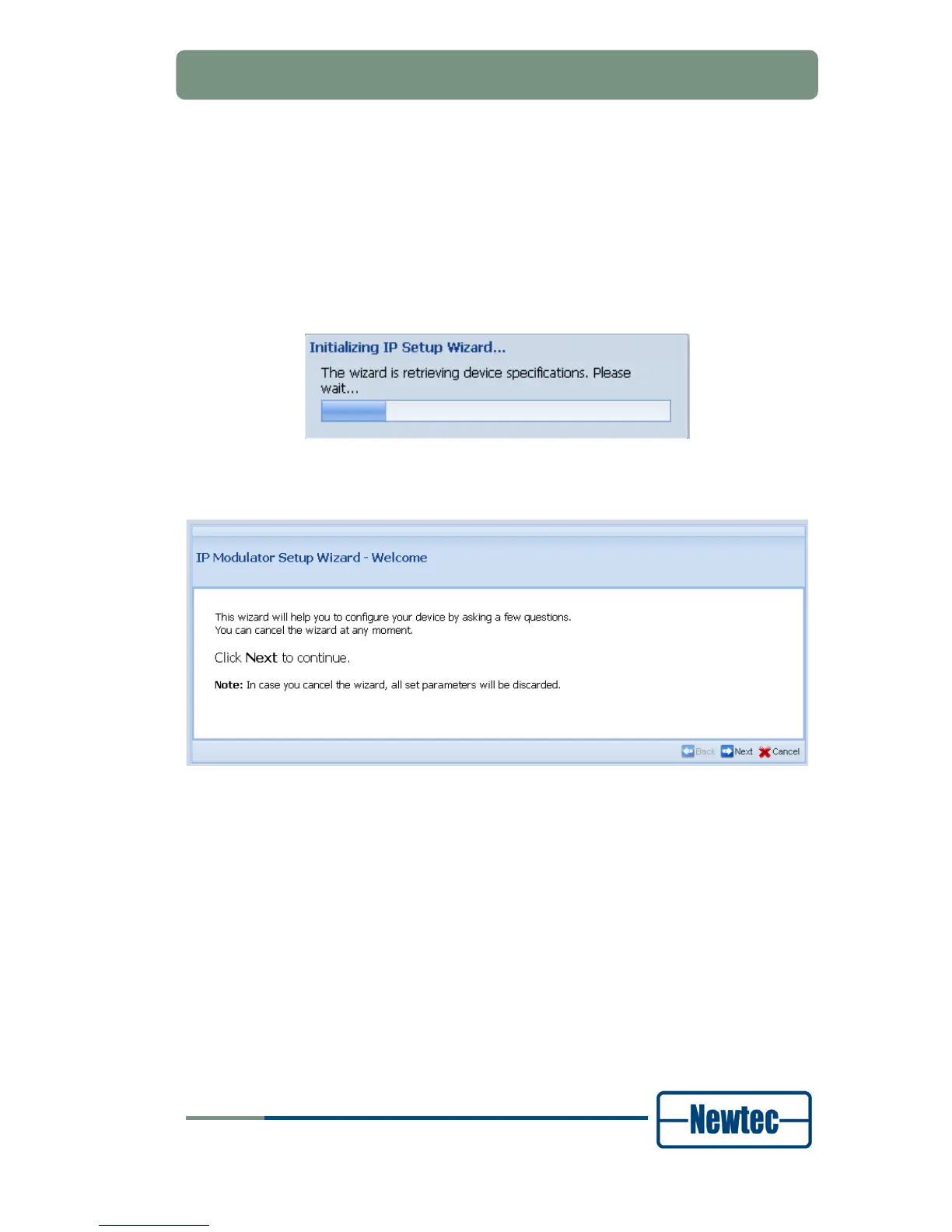
The following screen is displayed:
Figure 45 - Initializing IP Setup Wizard
When the device specifications are known the following screen is shown:
Figure 46 - Welcome Screen
Complete the different steps of the wizard according to your network settings to
configure device.
An example can be found in Appendix B on page 177.



 To Next Page