SHAPING THE FUTURE OF SATELLITE COMMUNICATIONS
6.5 Reset Device
The device can be reset when needed. A reset of a device can only be performed
by expert user profiles.
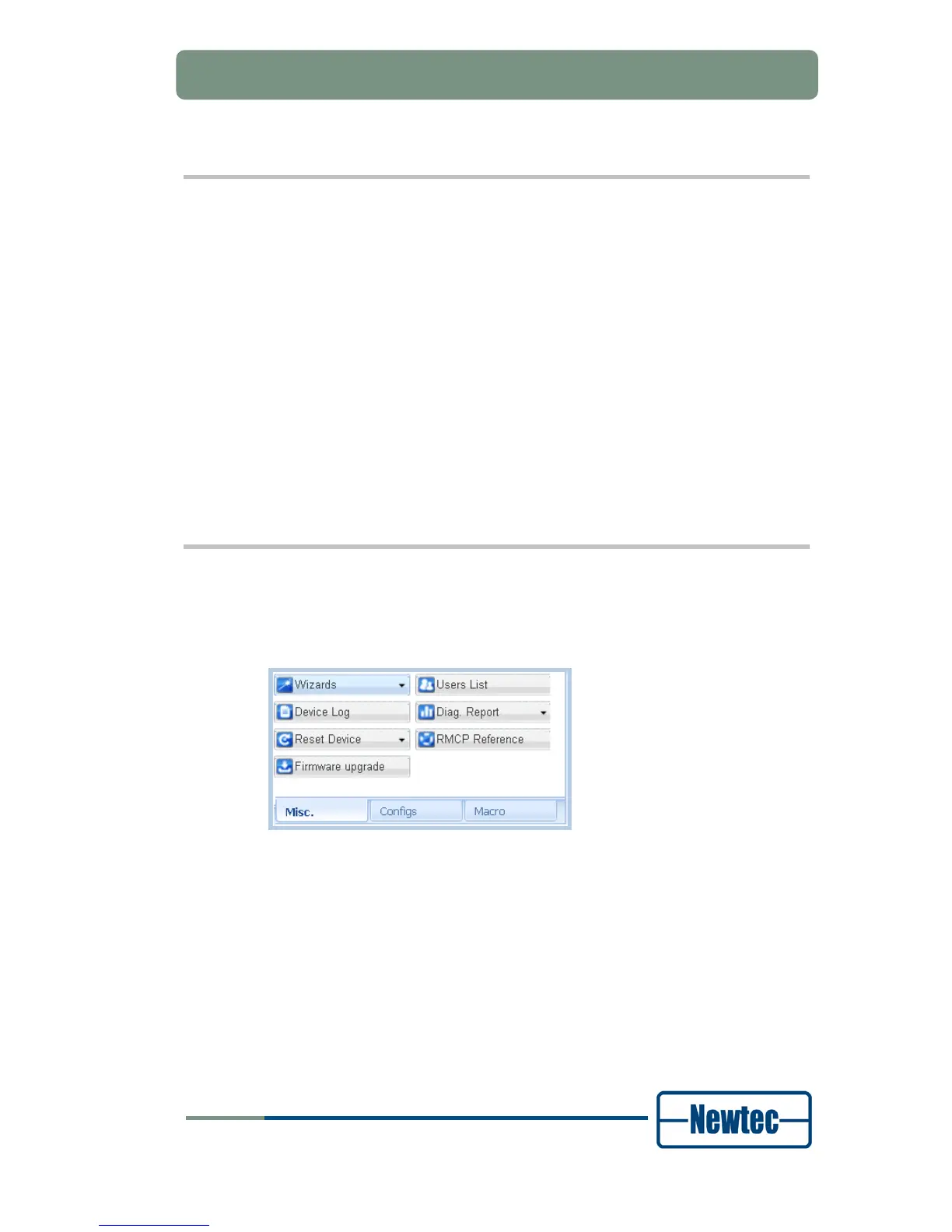
Click Misc. tab;
The drop-down menu behind the Reset Device button allows resetting the
device.
Different reset types are possible:
• Soft: Resets the software;
• Hard: Resets the software and the hardware. Perform a hardware reset after
upgrading the capabilities of your device;
Config: Clears the configuration of the device. The flash memory is empty but the
management parameters, like management IP address are kept. Perform a
configuration reset before a configuring the device via the wizards function.
6.6 Procedure to Perform a Firmware Upgrade
To perform a firmware updates do the following:
Click Misc. tab;
Figure 47 - Misc. Tab
Click Firmware upgrade;
Browse to the location of the stored zip-file;
Select the zip-file and click open;
The application automatically upgrades its firmware using this zip-file.



 To Next Page