SHAPING THE FUTURE OF SATELLITE COMMUNICATIONS
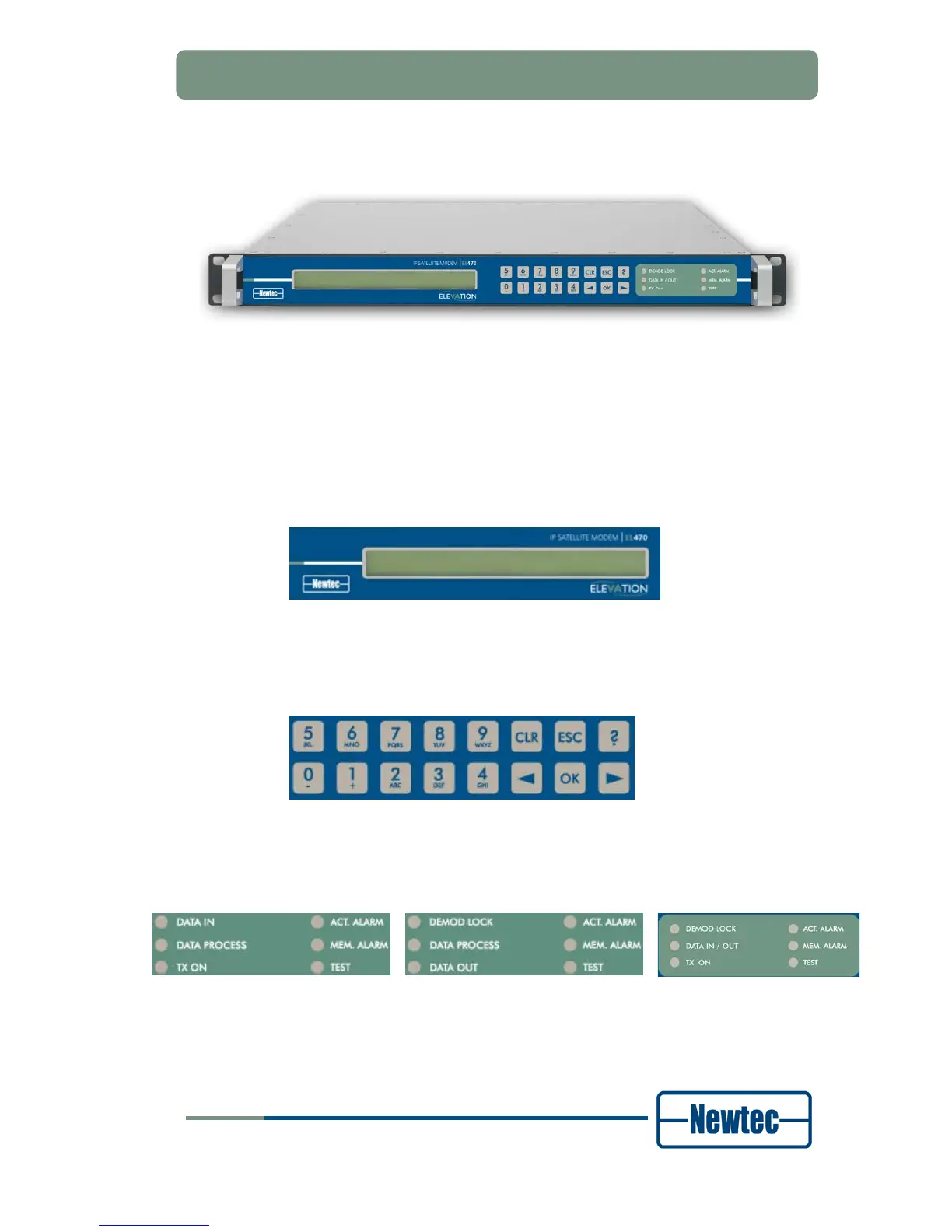
Figure 11 – EL470 IP Satellite Modem Front Panel
The device can be configured, controlled and monitored using the front panel. The
front panel consists out of the following parts.
• Display:
The display consists of a 2 x 40 characters LCD screen. The top row indicates
the path in the menu structure while the bottom row displays the selected item.
If the value is not indicated, press OK to open the submenu;
Figure 12 – Display
• Keypad:
The keypad consists out of 16 keys. Use them to navigate in the menus and
change parameters;
Figure 13 - Keypad
• Status LEDs :
The LEDs provide a basic status of the device.
Figure 14 Modulator
Figure 15 - Demodulator
Figure 16 - Modem



 To Next Page