SHAPING THE FUTURE OF SATELLITE COMMUNICATIONS
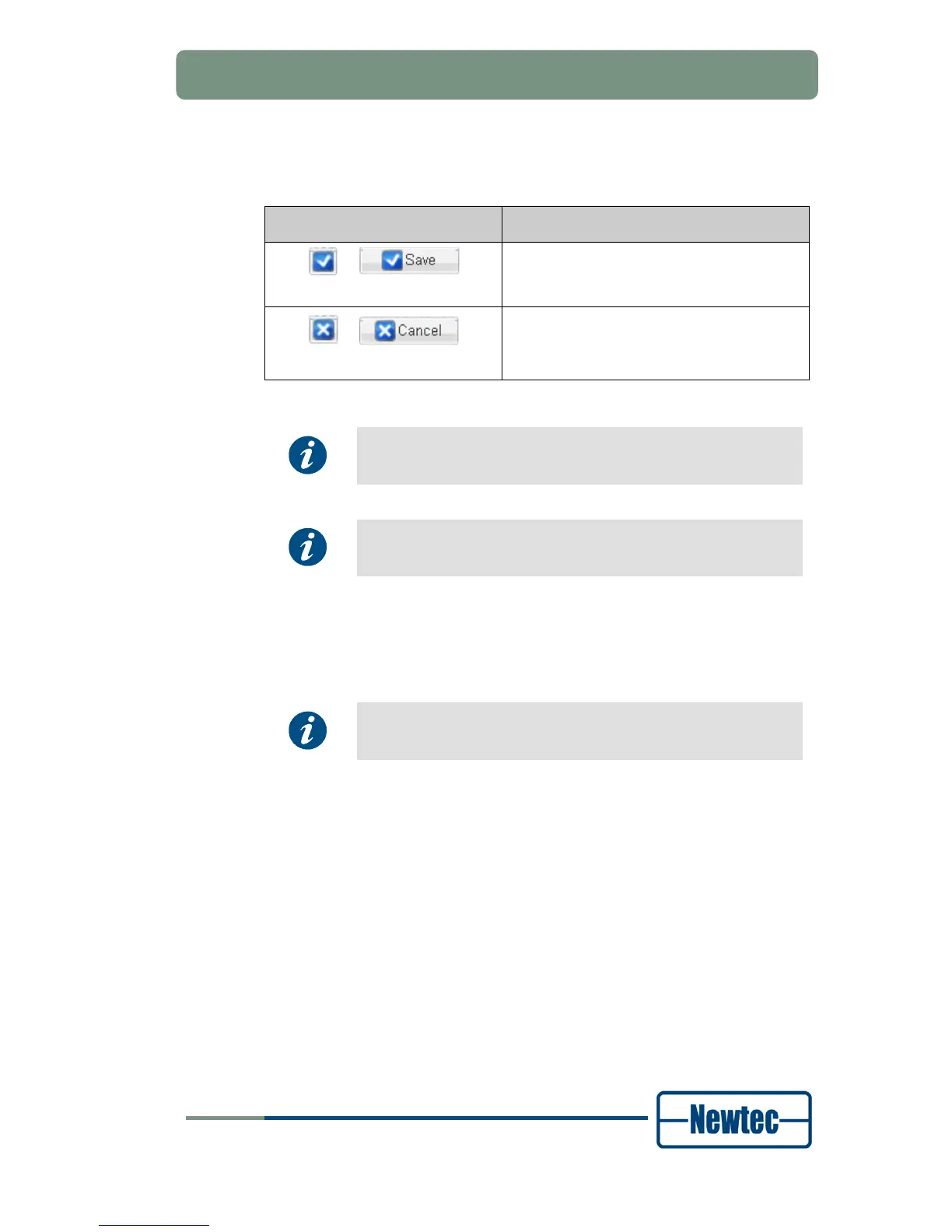
Depending on the dialog box type it is needed to confirm or reject the
selected or inserted value for the parameter by clicking one of the following
buttons:
Button Function
or
Save the parameter value.
or
Do not save the parameter value.
Table 10 – Parameter Save and Cancel Buttons
To accept a value, the user can also use the Enter key on the
keyboard. To reject a value, use the Escape key.
When a parameter value changes in the GUI, it briefly gets a
yellow background.
6.4.2.2 Applicable Parameters
The number of parameters you see in the tree view and the detailed view of a
block depends on your user profile and the current device configuration.
Parameter changes via the front panel or via the management
interface are also visible in the GUI .
6.4.2.3 Invalid Values
The GUI does not allow the implementation of invalid values. While you type a
value this value is validated. The user interface has several features that help you
to insert valid values:
• Place the mouse cursor above a field to be adjusted, the acceptable range is
displayed in a tooltip;
• When typing an invalid value for a parameter, the edges of the parameter field
turn red and a tooltip displays the reason why the value is invalid;
• It is not possible to save values outside the defined ranges for the device.



 To Next Page