111
Smart Surveillance
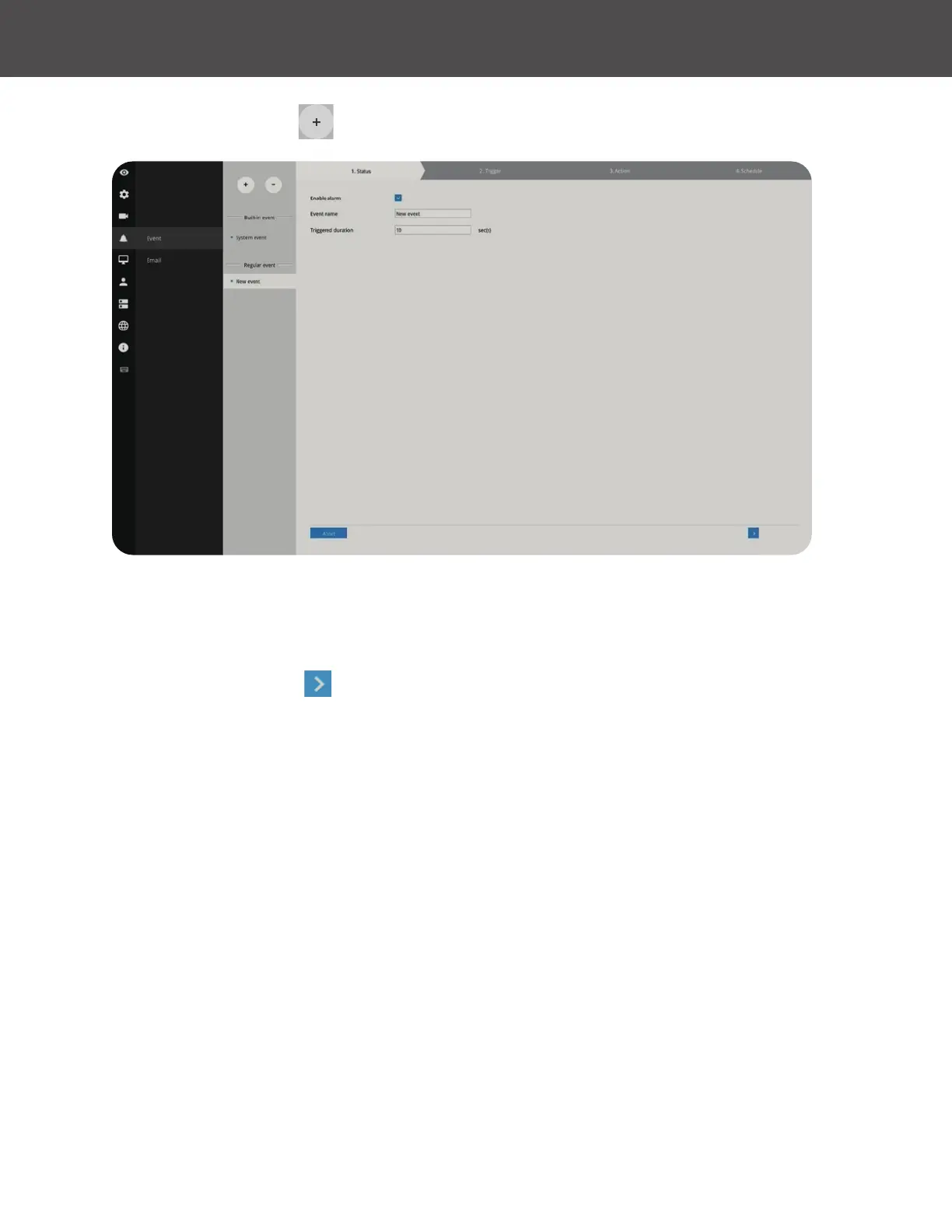
To create an event:
1� Click on the Add button �
You can manually enter a name for the current setting� You can enter up to 16 numeric or
alphabetic characters for the name, including symbols such as [0-9][a-z][A-Z][_][ ]� You can also
designate the interval between one event and the next triggered alarm to avoid the situation that
the alarms can be too frequently triggered�
2� Click on the Next button
to proceed�



 To Next Page