112
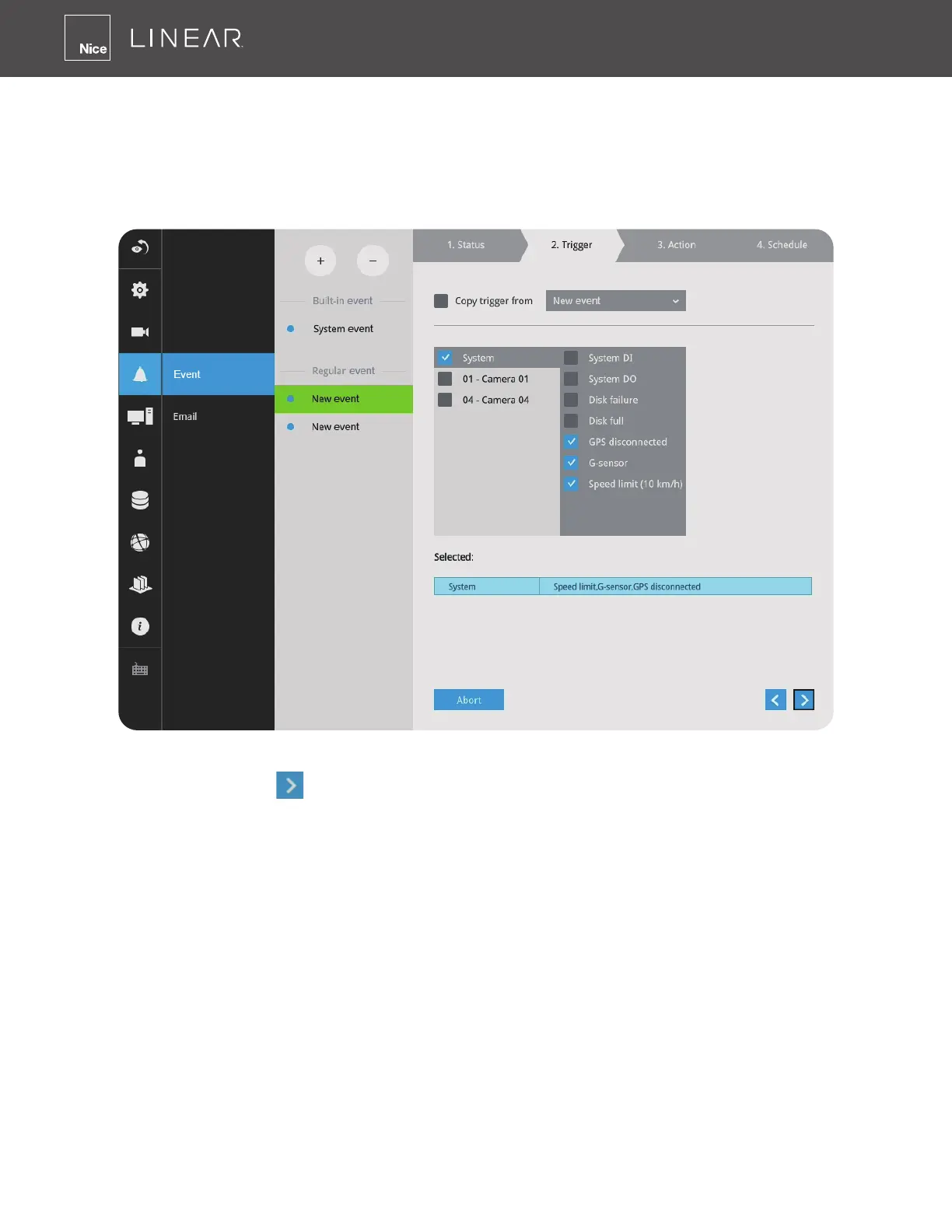
3� On the Trigger window, select system triggering conditions, or one or more cameras by
selecting their checkboxes� The number of DI or DOs on each camera is automatically detected
and displayed through individual checkboxes� The Motion detection function, if there are many
detection windows congured on a camera, is all triggered by one checkbox�
Note that the triggering sources will be listed even if the camera is currently not connected�
You may also select the "Copy trigger from" menu to borrow the setting you previously congured�
Click on the Next button
to proceed�



 To Next Page