113
Smart Surveillance
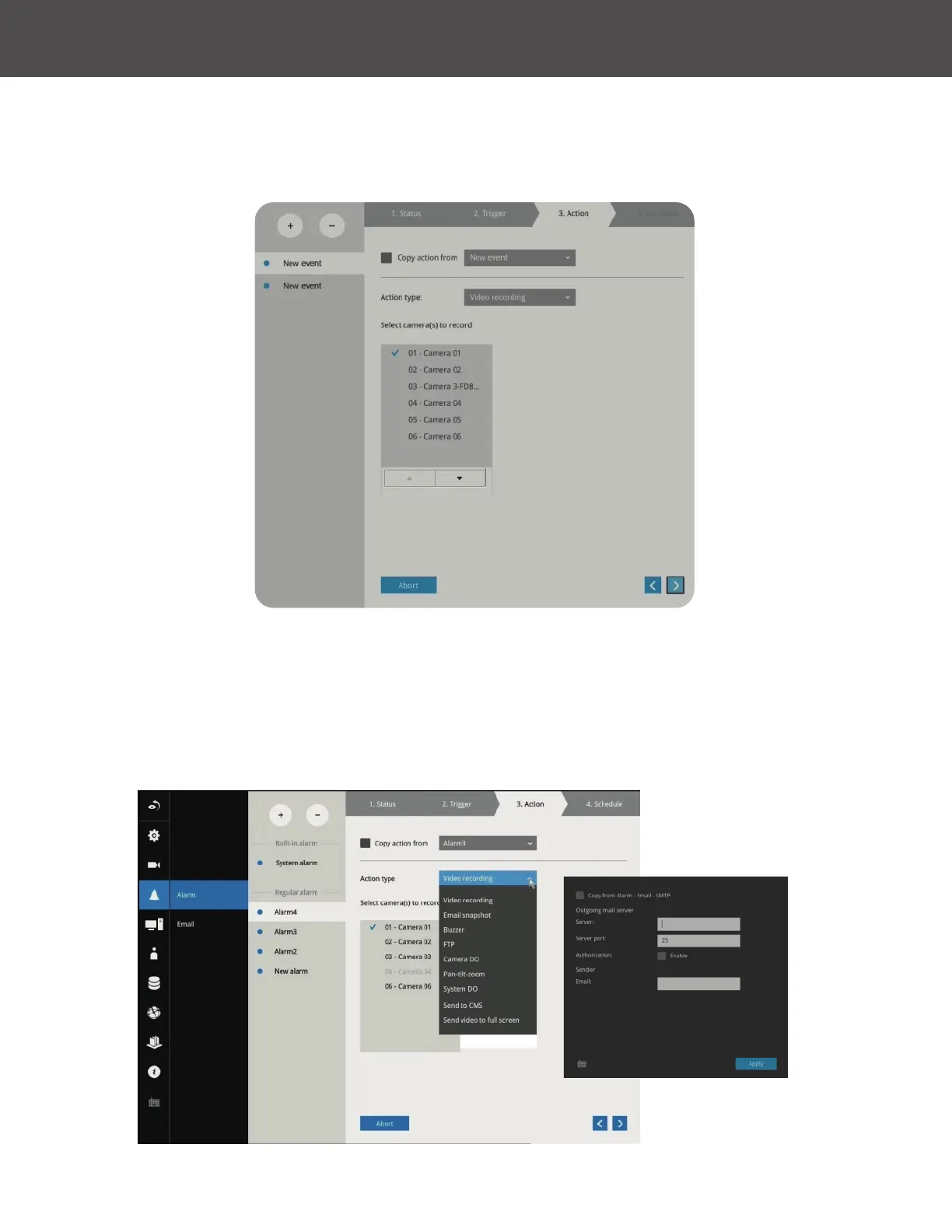
4� On the Action window, you can select the Action type from a drop-down menu� The
conguration details of each action type is discussion below�
4-1� Recording: When an event is triggered, the selected camera will record a video footage
of the length dened by the pre-/post-event setting to the NVR system�
4-2� Email: The Email action sends an Email to the administrator along with a snapshot of
the event�
To configure Email notification, enter valid Email addresses as the Sender and Recipient
addresses, an Email subject and the SMTP server address through which the Email will be
delivered� If you need to log in to SMTP server to deliver an Email, enter the User name and
password for access to that account�



 To Next Page