143
Smart Surveillance
2� Double-click on a camera's thumbnail to ll it into the rst unoccupied view cell�
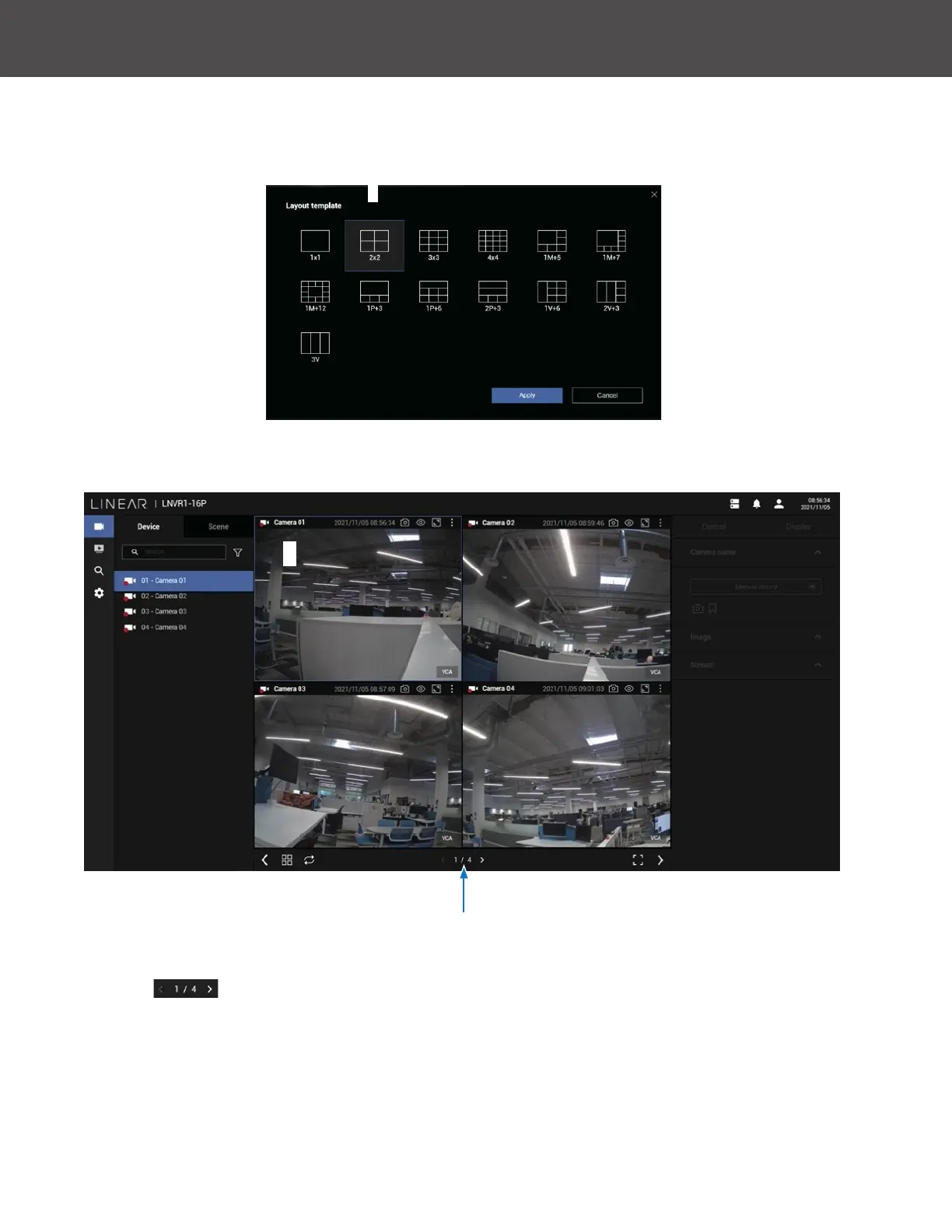
To begin the design of your layout:
1� Select a layout pattern by a single click� Available options are: 1x1, 2x2, 3x3, 4x4, 1M+5,
1M+7, 1M+12, 1P+3, 1P+6, 2P+3, 1V+6, 2V+3 and 3V�
3� If you’ve selected a layout design that requires multiple page of cameras, click the page
switch
button (< or >) to continue on the next camera layout page�



 To Next Page