144
1R View
(Single Regional View)
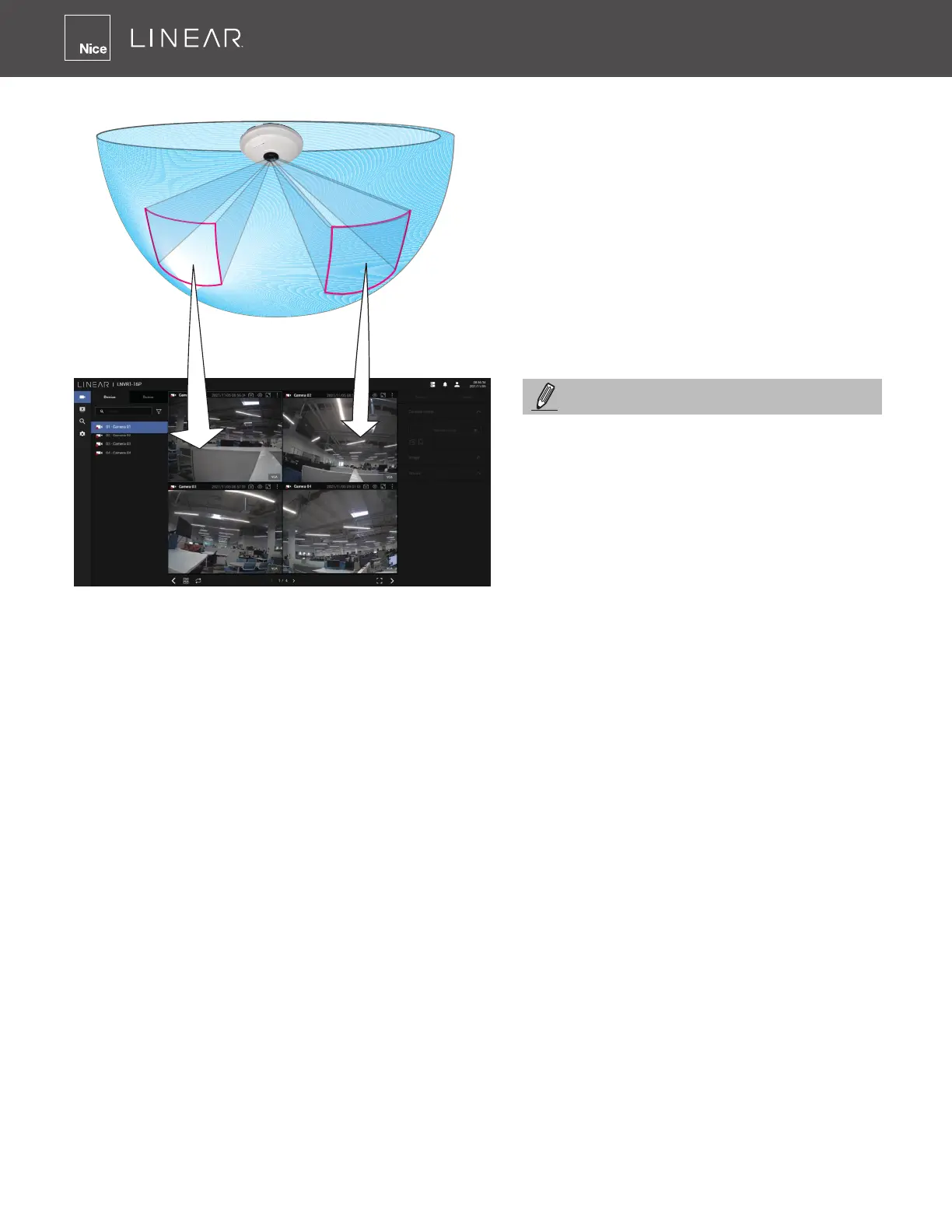
Placing different regional views of a sheye camera into view cells will look like this:
In addition to sheye cameras (if a camera has a wide eld of view), you may also display its
different elds of view in multiple view cells� Some view cells may also contain a PiP view that
is digitally zoomed�
The Fisheye Mode button is available on the view cell where you inserted a sheye camera�
When a regional view is displayed, the shooting angle and image orientation is kept with the
layout� See page 45 to see more about sheye viewing modes�
Only an administrator can alter the display
modes of sheye cameras� Although
ordinary users can make changes to
a regional view, changes will not be
preserved after a console is re-started�
NOTE:



 To Next Page