145
Smart Surveillance
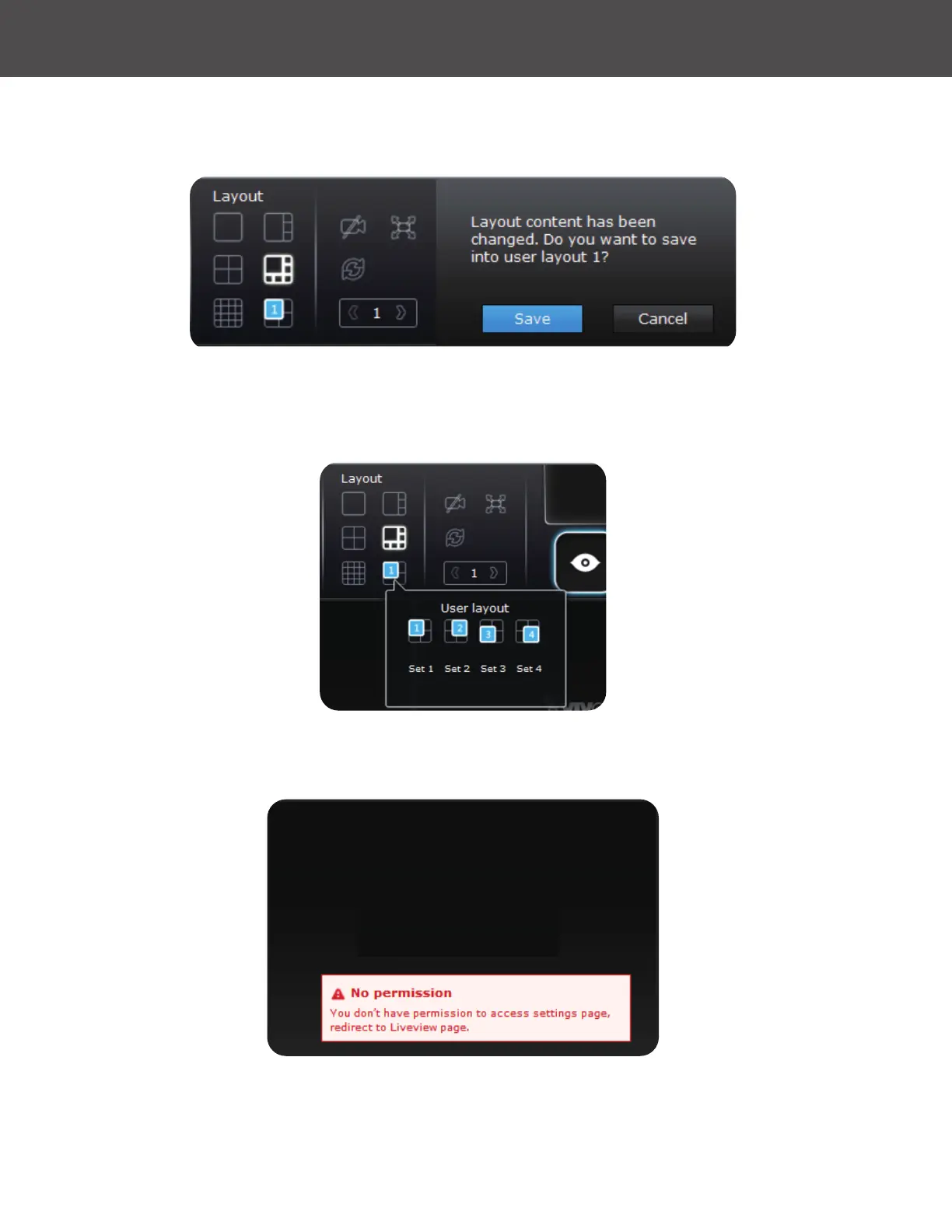
4� When you are done with the current layout design, such as the user layout 1, click Save to
preserve your settings� This message prompts on the screen whenever any change is made
to the current layout�
5� You can create more user layouts by mouse-overing the User Layout button� You may
create more user layouts for different purposes, such as for the use of different users, or
playing different views of a camera on multiple view cells�
If users were created and some cameras are excluded from their access, a user may log in and
see the locked-on cells as shown below:
A user with limited access rights may still re-arrange the layout of view cells� However, the
conguration change will not be saved after logging out of the current console�



 To Next Page