40
1R (Regional view)
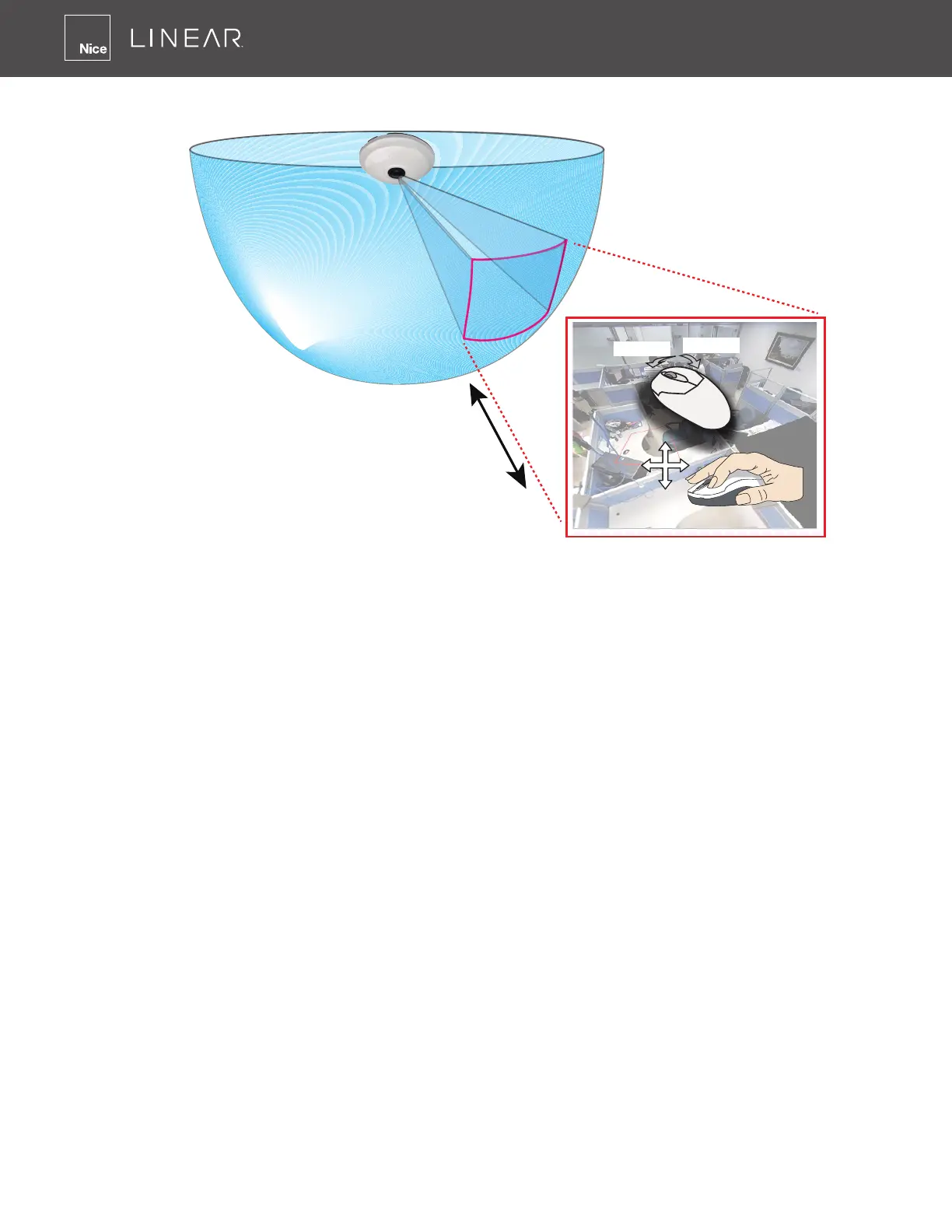
The 1R mode (or rectilinear) provides access to one image section within the hemisphere� You can
zoom in or out (using the mouse wheel or PTZ panel) or travel through to other areas within the
hemisphere using simple mouse clicks and drags�
A single click on a particular object can bring the object to the center of your view window�
Click and hold down the Left Mouse button, and you can swipe the view both horizontally and
vertically�
Note that if your sheye mounting type is set to the Wall Mount type, your screen control in the
view cell will be limited to 90° pan and tilt� Make sure your mounting type and camera settings
have been properly congured�
Because sheye lens can cover a wide surveillance area, you can insert a sheye camera into
multiple view cells, and let different regional views display in these view cells� In this way, you can
have a glimpse of multiple areas of interest, and the conguration of these different view windows
will be preserved when you save your layout settings�
1R View (Single Regional View)
Zoom in/out
&
all-directional
navigation control
Zoom In
Zoom Out



 To Next Page