56
10:32:56
2015.09.22 1x
2016.05.16
03 - Camera 03
17:15:41
1x
2016.05.16
01 - Camera 01
17:15:41
1x
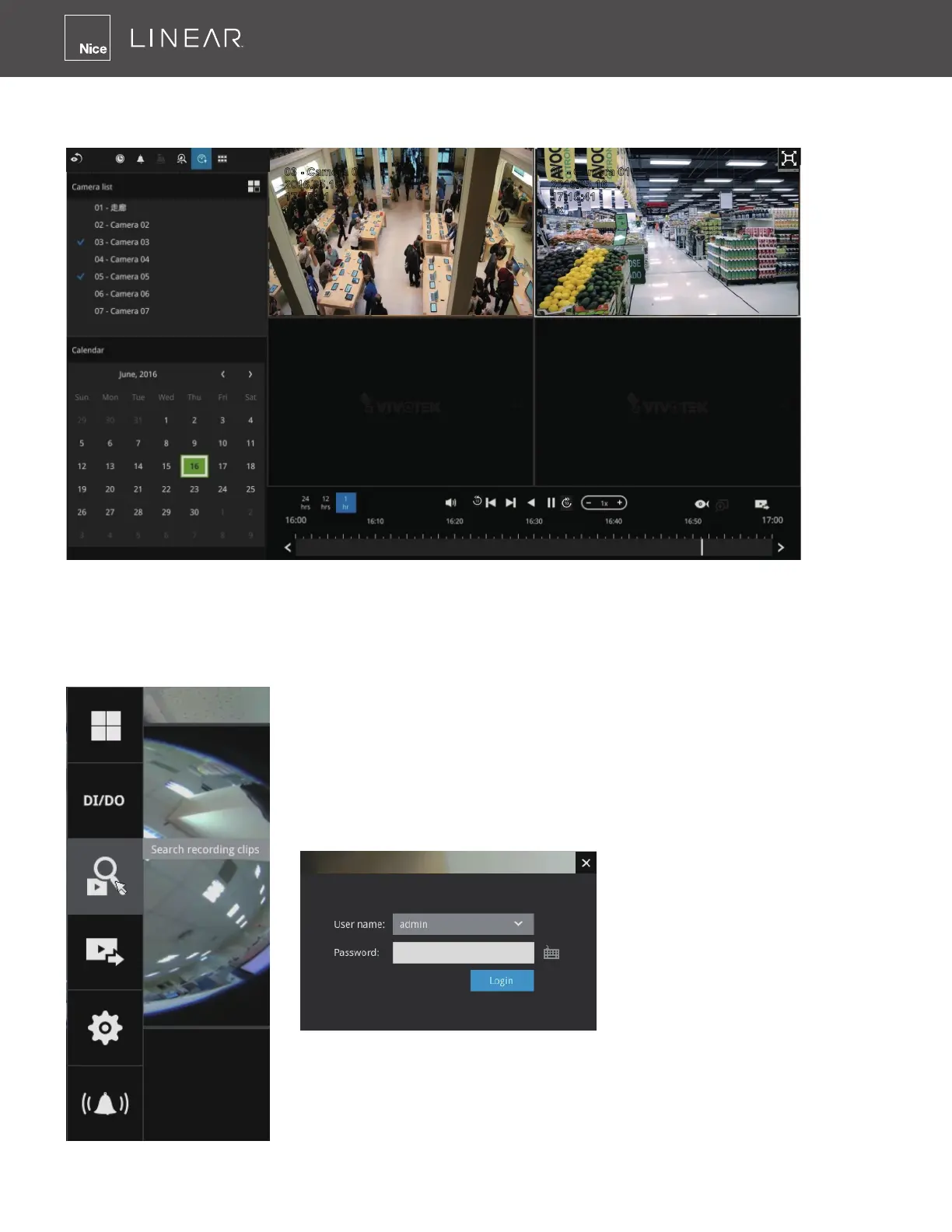
The Playback window will prompt, and a playback begins from the point in time you selected�
This function allows you to quickly review what has just happened�
Another way to access past videos is to open the Search recording clips window� Move your
mouse cursor to display the Conguration Portal (without selecting any view cell)� Click on the
Search Recording Clips button� Please refer to page 46 for more information about the search
functions�
You will be prompted for User name and Password, enter admin
and admin (the default user name and password) and click Login�
It is highly recommended to change the password after you log in�



 To Next Page