57
Smart Surveillance
4� How to recieve system alarm?
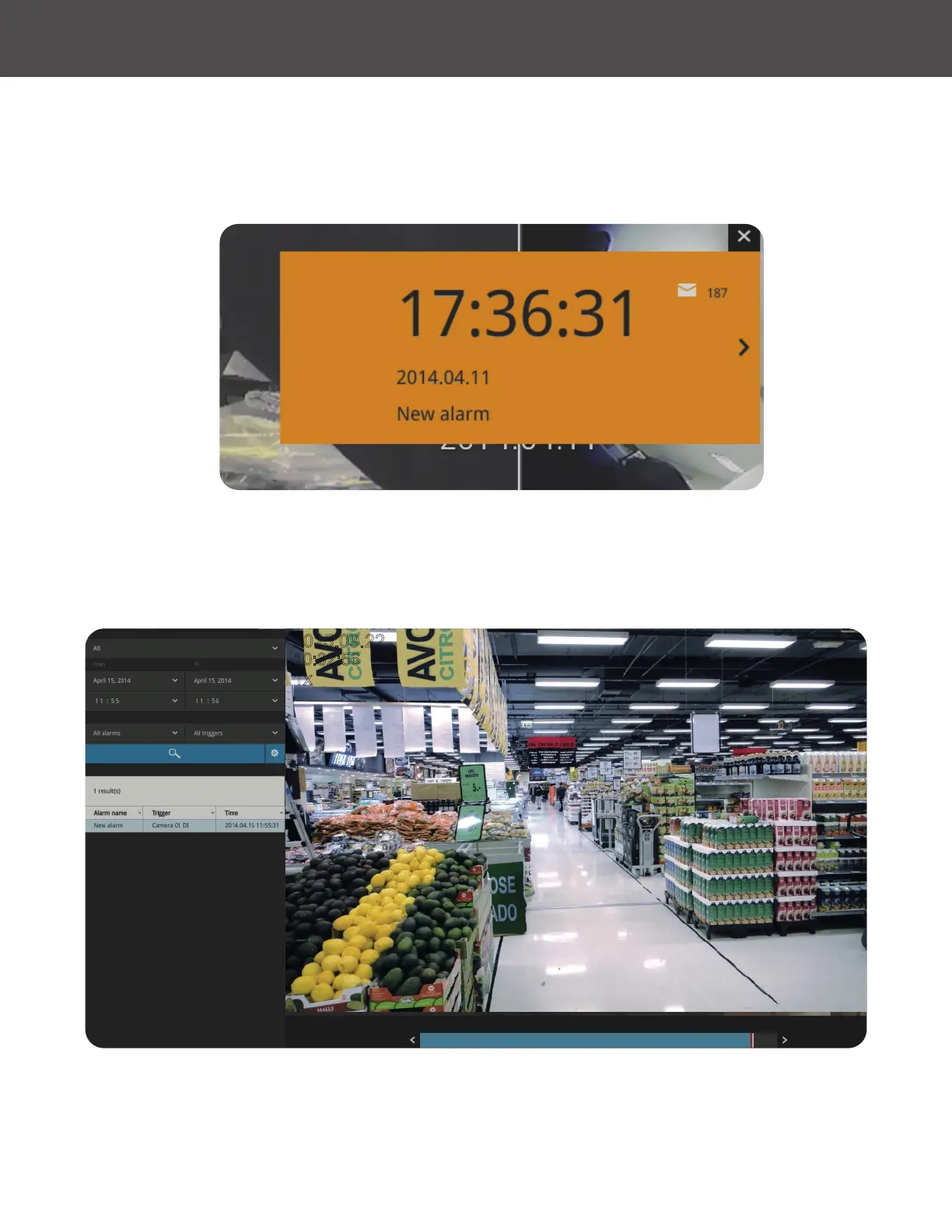
Please refer to page 110 for how to congure system alarm triggers� When the alarm is triggered (for
example, by digital inputs or motion detection), an alarm message will prompt on the screen�
Use the > Arrow button to browse through the alarm messages�
10:32:56
2015.09.22
1x
01 - Camera 01
If the alarm is congured with video recording as the responding action, you can click on the alarm
entry� The Playback window will appear, allowing an instant playback of the alarm-related footage�
You will enter the "Search alarm results" page even if the alarm does not trigger a recording action�



 To Next Page