90
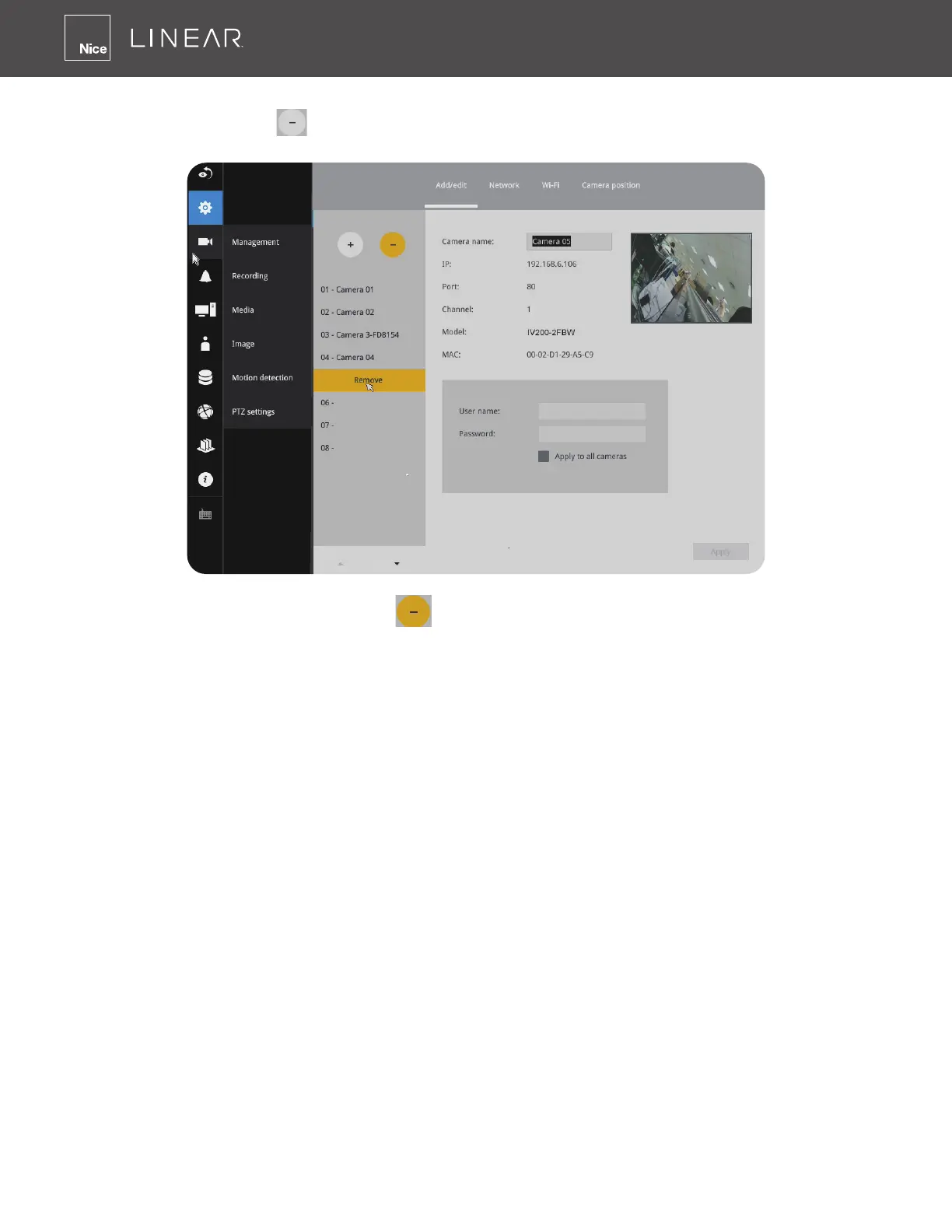
To disconnect cameras:
1� Click on the Remove button� A list of cameras will appear�
2� The Remove button will turn yellow � Mouse over to the camera you want to remove, and
its entry will display the Remove message�
3� Click on the Remove message� The camera should then disappear from the camera list� The
recording from that camera will also be discontinued�



 To Next Page