91
Smart Surveillance
Network
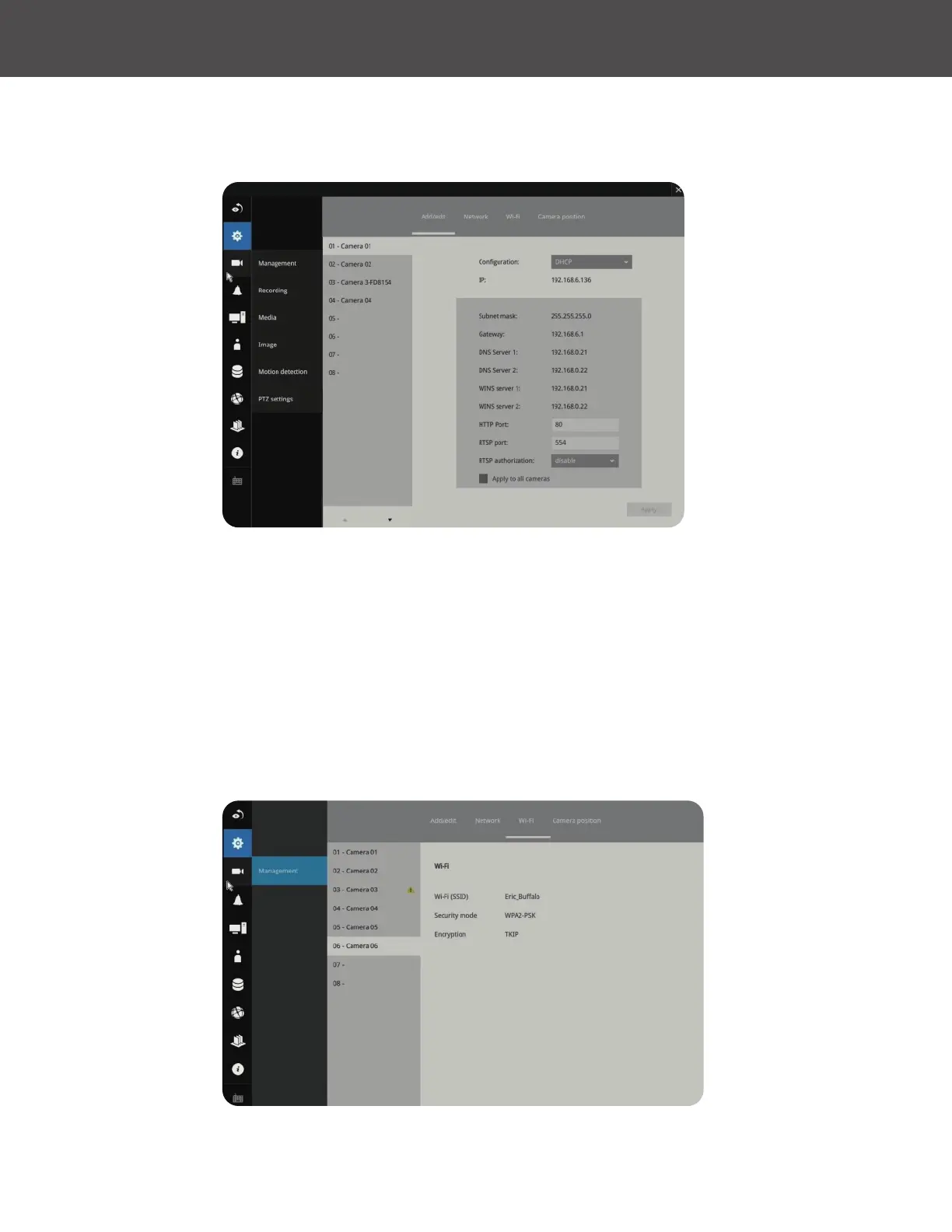
On the Network tabbed window, you can congure the network type, IP address and the
connection ports for video streaming�
You can select DHCP as the method for cameras to acquire IP addresses, or you can manually
congure static IPs for a single or all cameras� Using static IPs is recommended� Although the NVR
can remember the MAC addresses of cameras, if IPs are changed under the DHCP conguration,
your NVR may still fail to connect the cameras� Please consult your network administrator for
details about network settings�
It is usually not necessary to change port numbers for the HTTP and RTSP ports unless there is a
conict in your network environment�
Wi-Fi
If wireless cameras are recruited by the NVR, its wireless connection details are shown in here�



 To Next Page