Cleaning
33
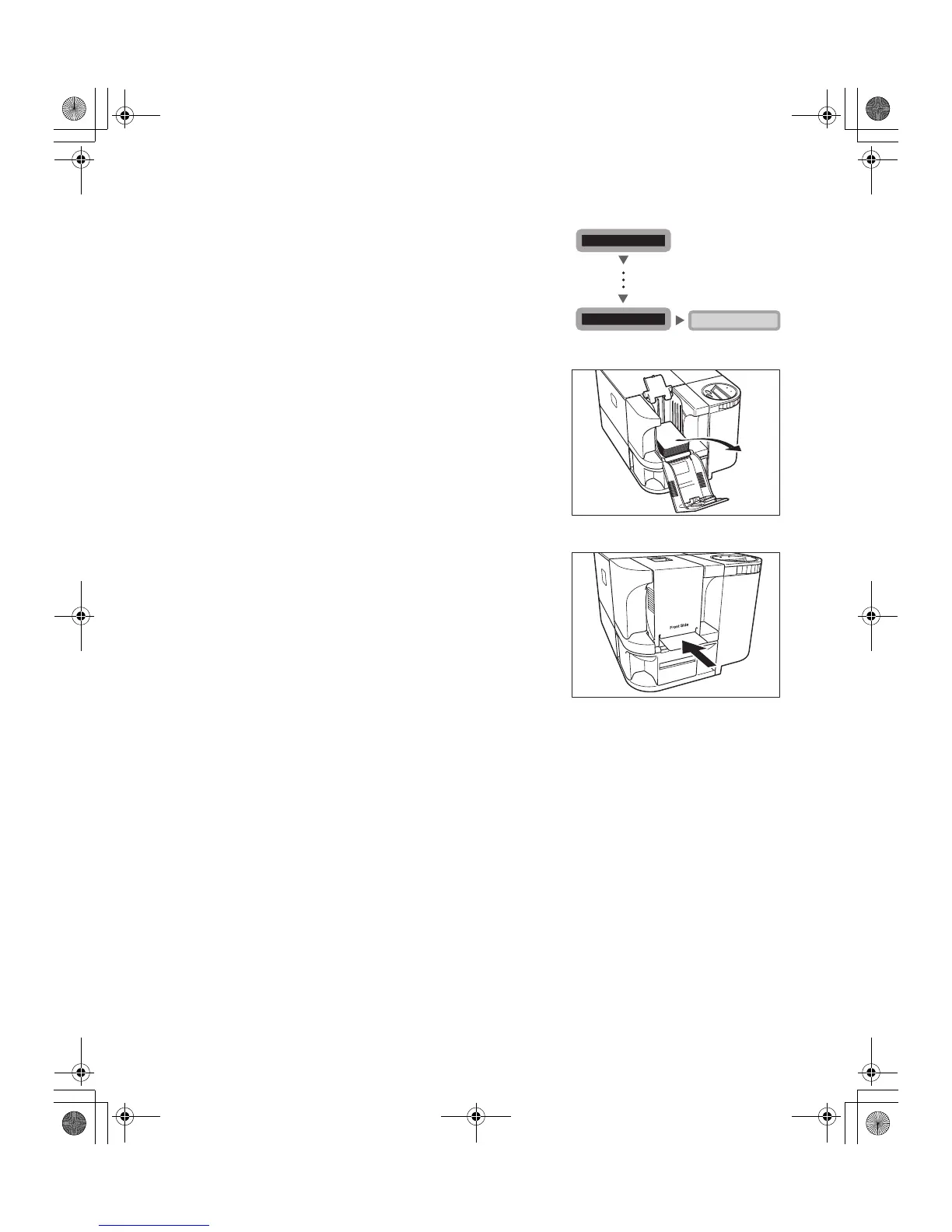
2 Press the Menu Key until [Cleaning >>]
appears and then press the EXE Key.
3 Remove the cards from the Card Case
and then press the EXE Key.
• If cards are loaded, [Remove Cards] appears.
• When the cards have been removed, [Push EXE
(NEXT)] appears.
4 [Set Cleaning Crd] appears when the
Cleaning Card is loaded.
• Remove the protection sheet from the sticky surface of
the Cleaning Card, and then load it with the sticky
surface face down.
• When the Cleaning Card is loaded, [Push EXE (Start)]
appears.
5 Press the EXE Key.
• The Cleaning Card is pulled into the printer and
cleaning starts.
• The Cleaning Card comes out of the Card Ejection
Slot 1 when cleaning is completed.
Cleaning >>
EXE
Remove Cards
[User Mode]
MENU
MENU
PR-C101_C101M_E.book Page 33 Monday, August 27, 2007 11:16 AM



 To Next Page