Cleaning
35
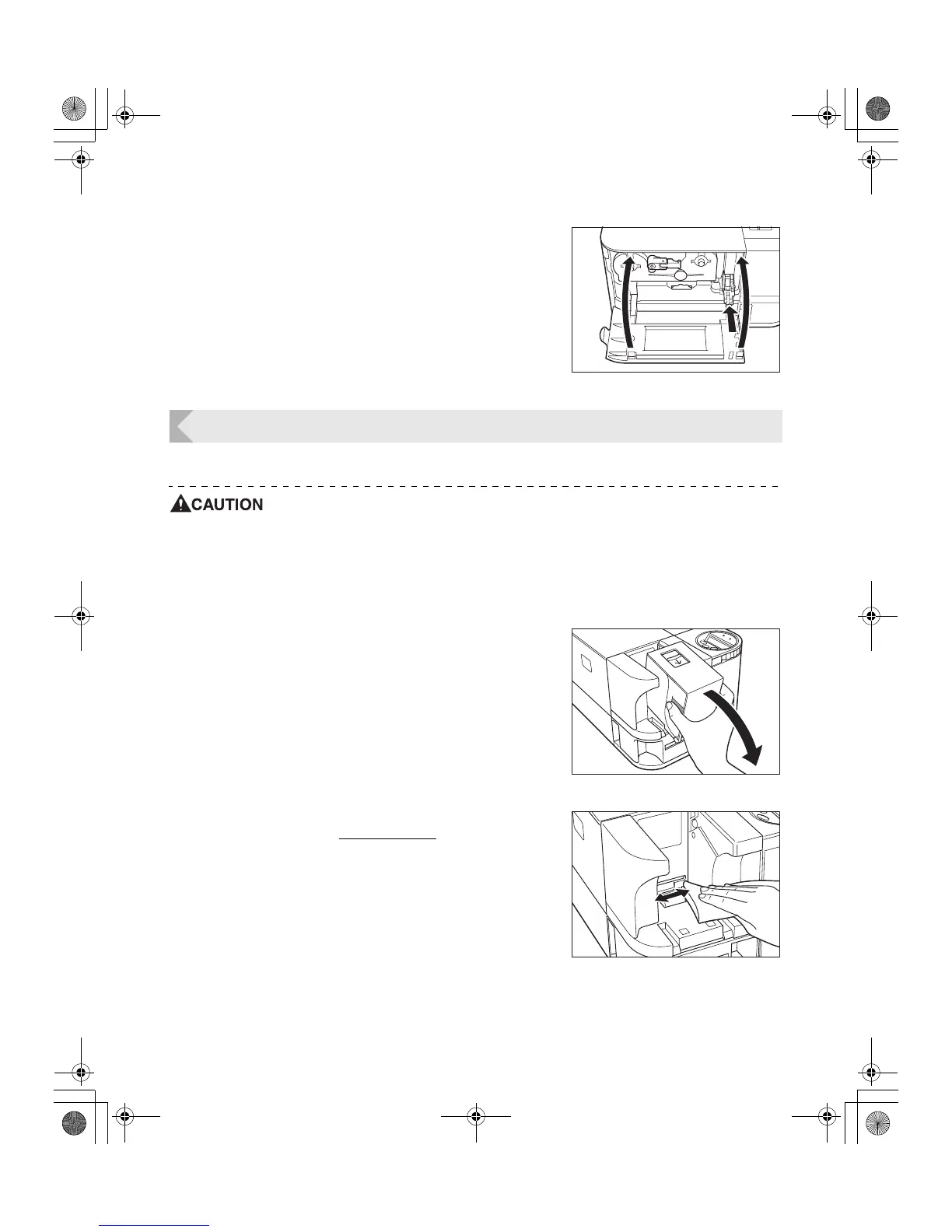
5 Insert the Cleaning Roller and close the
Front Cover.
• Line up the slide with the rail on the printer and insert it
all the way.
Cleaning the Feeding Roller
Clean the Feeding Roller under the Card Case if cards do not feed smoothly into the printer.
z Be sure to turn off the printer before cleaning the rollers.
z Read the cautions in "Before Cleaning" on page 32.
z Do not use any solvents other than very pure alcohol.
1 Turn off the power.
2 Remove the Card Case.
• Grip the Card Case by the ridges on its side and pull it
as indicated by arrow in the illustration.
3 Wipe the roller clean.
• Use a soft cloth and very pure alcohol to wipe the
roller clean.
• Turn the roller as you wipe it to clean it in the direction
of an arrow.
PR-C101_C101M_E.book Page 35 Monday, August 27, 2007 11:16 AM



 To Next Page