ACCESS GATEWAY
System Administration 91
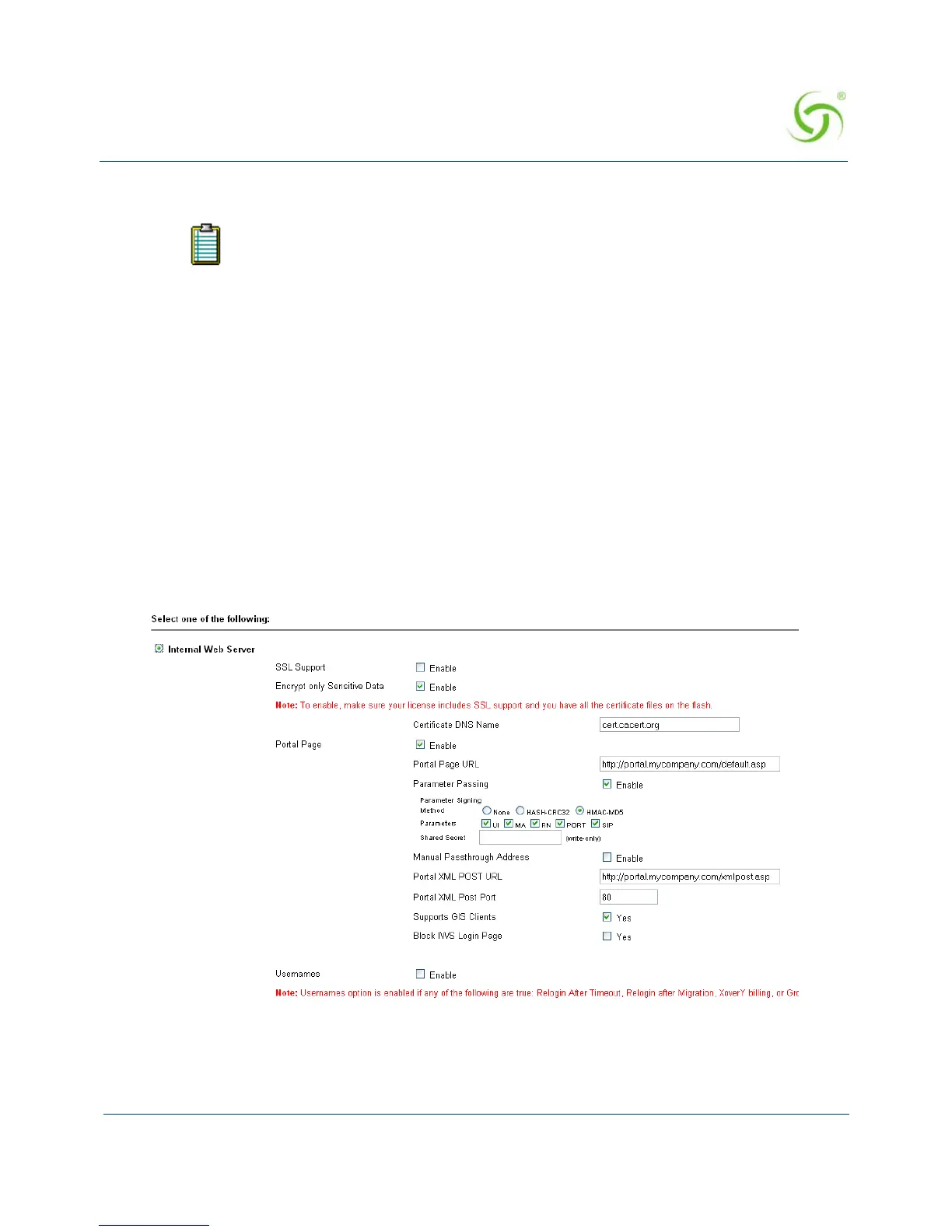
4. Configure the Parameter Signing options.
5. Click on the Submit button to save your changes, or click on the Reset button if you want
to reset all the values to their previous state (making changes to the EWS settings does not
require a system reboot).
Redirection Parameter Signing
External Web Server (EWS) and Internal Web Server (IWS) Portal Page Parameters can be
digitally signed, preventing malicious subscribers from intercepting, forging and replaying
URL redirection strings used by the NSE and EWS or IWS Portal Page to validate subscriber
access. This capability eliminates a vulnerability that was previously exploited to gain
unauthorized Internet access at charge-for-use sites.
The signing feature can create a cryptographically strong signature that protects the sensitive
portions of a URL redirection string (i.e., NSE ID, MAC address of the subscriber, etc), while
letting the EWS/Portal Page verify that the URL string has not been tampered or forged by the
subscriber.
The feature is configured by selecting a signing method, the parameters to be signed, and
assigning a secret key.
Two signature methods are supported:
See Redirection Parameter Signing for more information about parameter
signing.



 To Next Page