ACCESS GATEWAY
System Administration 215
Displaying the Port-Location Mappings {List}
You can display a listing of all port-locations assigned to this system.
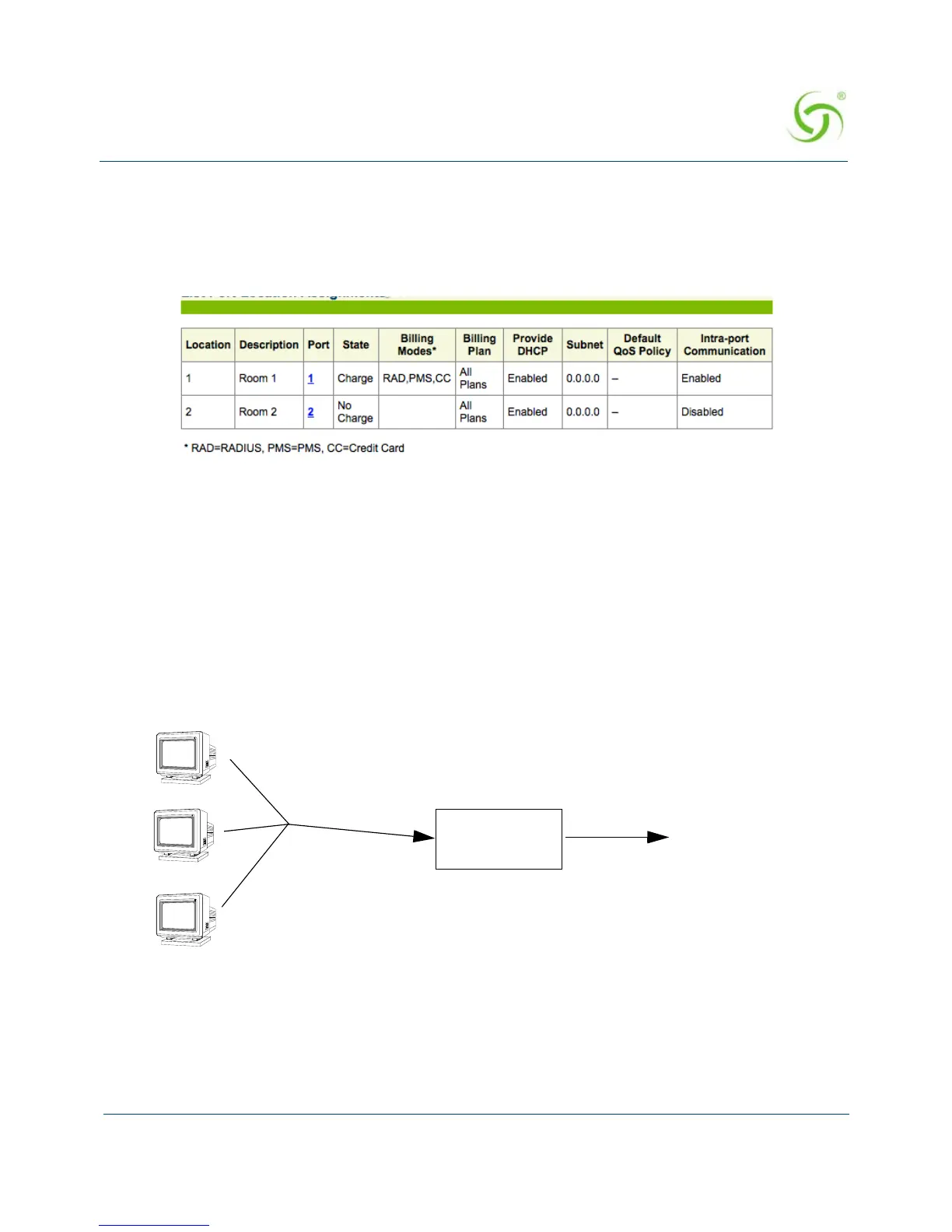
To view the listing of port-location assignments, go to the Web Management Interface, click on
Port-Location, then click on List. The List Port-Location Assignments screen appears:
Subscriber Intra-Port Communication
If enabled, subscribers on a same port location (for example, a conference room) can
communicate with each other without NSE intervention.
Subscribers can communicate with each other when on the same VLAN and the same IP
subnet. The NSE will not respond to any ARP requests from the subscriber for other
subscribers (or hosts) that are on the same port-location subnet.
To enable intra-port communication
1. Click Port-Location -> List. Click on the Port number. The Process Port-Location
Assignment screen appears.



 To Next Page