ACCESS GATEWAY
System Administration 131
Load Balancing
Load Balancing is an optional licensed feature for NSE releases 8.2 and later. For an overview
of Nomadixload balancing and common use cases, see “Load Balancing and Link Failover” on
page 31.
The NSE can balance subscriber assignment between all active WAN interfaces when Load
Balancing mode is enabled. Note that subscribers are balanced, not traffic.
As subscribers go valid, they are assigned to a WAN interface, taking account of both the
Uplink bandwidth settings of the interfaces and the number of subscribers currently using each
interface. Higher bandwidth settings will mean more subscribers will be assigned to that
interface. The subscriber will use the assigned interface for all traffic.
If a WAN interface goes down, the subscribers currently assigned to that interface will be re-
assigned to the remaining interfaces. Once that interface is restored, current subscribers will
NOT be re-assigned, but new subscribers can be assigned to that interface (in accordance with
the load balancing algorithm).
An NSE reboot will rebalance all subscribers.
Subscribers will use the IP address of their WAN port (or assigned additional NAT address) for
their DAT sessions.
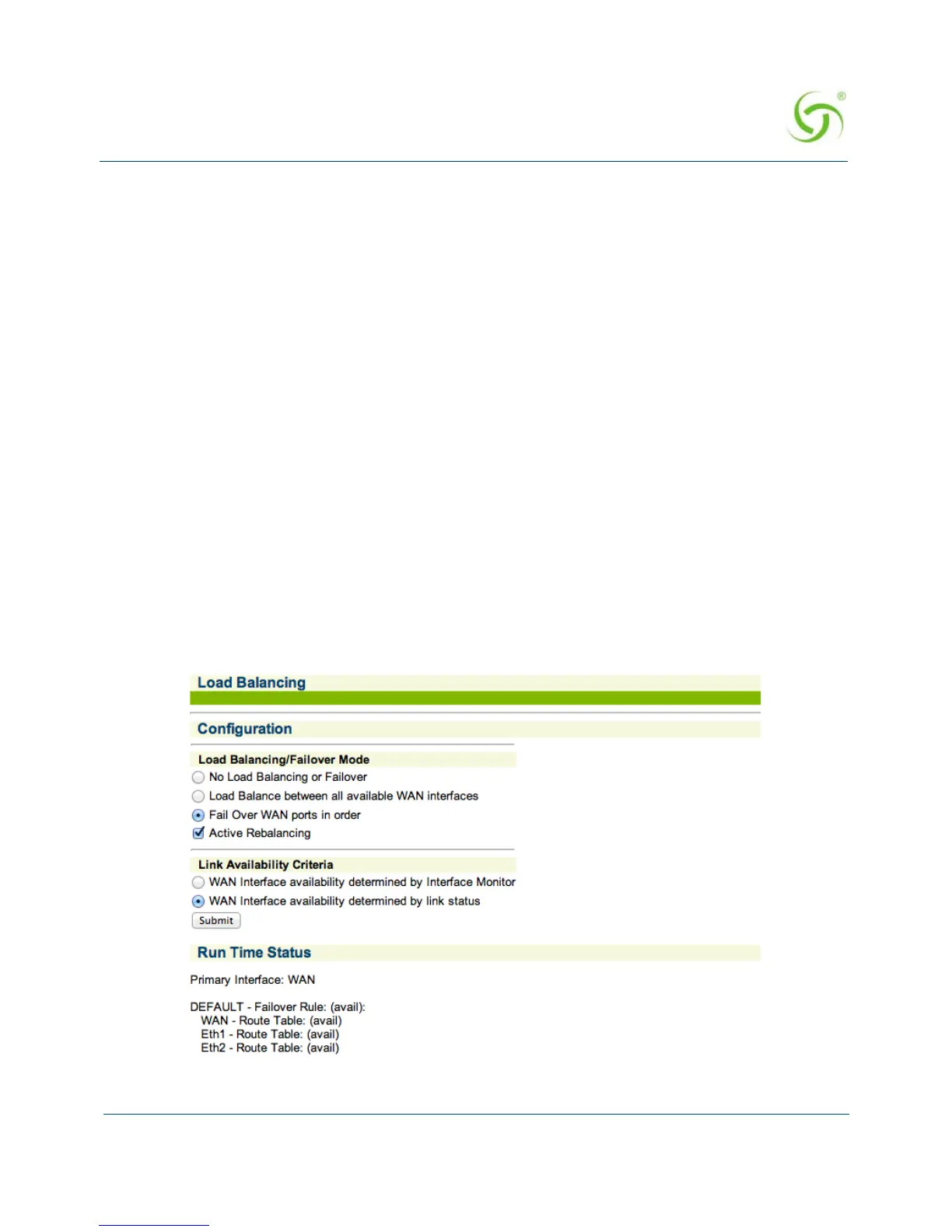
To configure load balancing, choose
Configuration>Load Balancing.



 To Next Page