ACCESS GATEWAY
System Administration 167
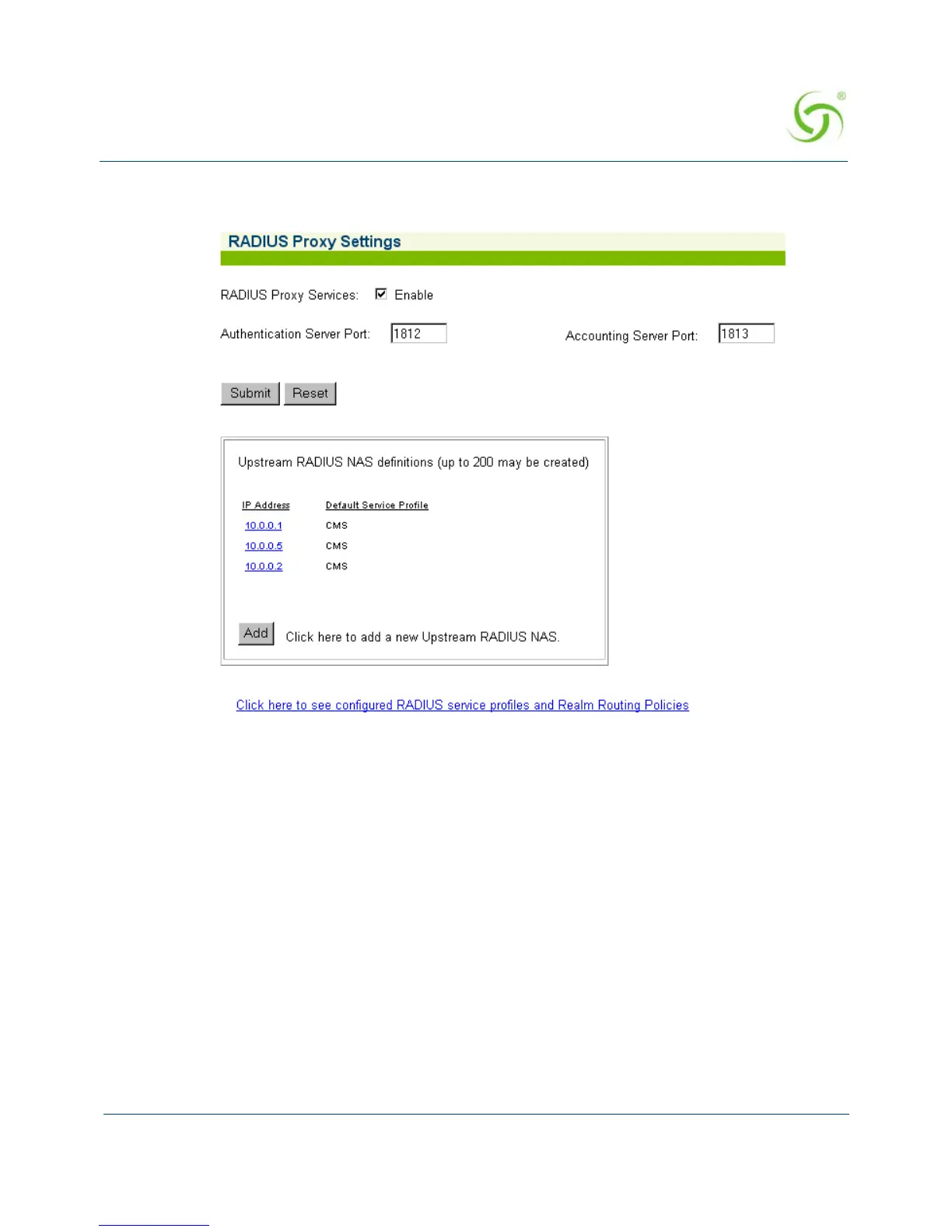
The Upstream RADIUS NAS definition you just added appears in the list. You can add up
to 10 definitions.
8. Repeat Steps 5 through 11 to add more Upstream RADIUS NAS definitions, as required.
9. To view your configured RADIUS Service Profiles and Realm Routing Policies, click on
the link:
Click here to see configured RADIUS service profiles and Realm Routing
Policies
(this will take you to the Realm-Based Routing Settings screen).
See also, “Defining the Realm-Based Routing Settings {Realm-Based Routing}” on
page 167.
Defining the Realm-Based Routing Settings {Realm-Based Routing}
Use this procedure when setting up RADIUS Service Profiles (up to 10) and Realm-based
Routing Policies (up to 50).
For additional RADIUS information, see also:
“Setting up Quality of Service {QoS}” on page 157.
“Defining the RADIUS Proxy Settings {RADIUS Proxy}” on page 163.



 To Next Page