ACCESS GATEWAY
Installing the Access Gateway 73
DHCP Dynamic Enable and Disable
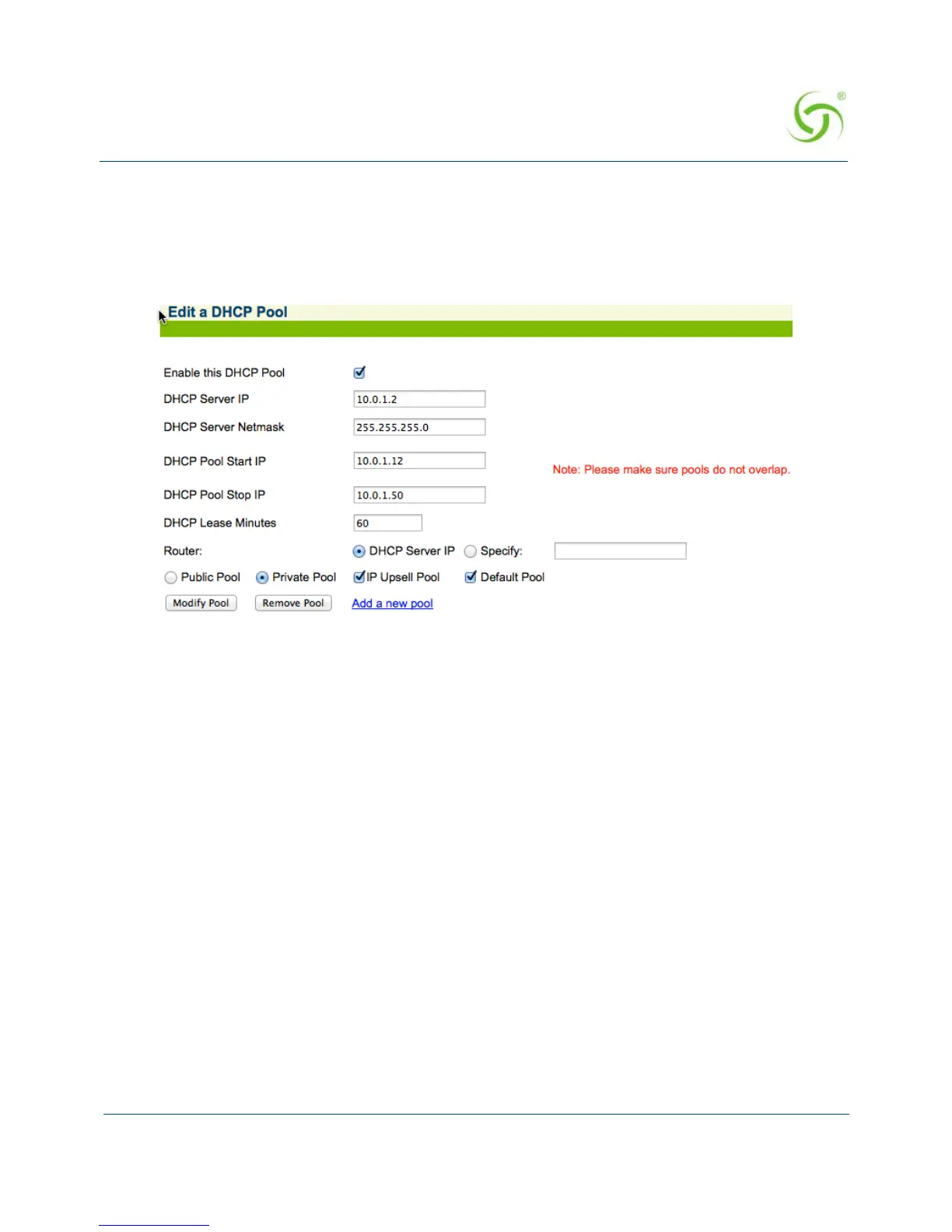
Click Configuration->DHCP. Click the Server-IP and Enable this DHCP Pool. See box in
Red below. Note that DHCP enable/disable is dynamic, no reboot required.
Click
Configuration->DHCP. A new column under existing DHCP Pools table for DHCP
pool enable is introduced. See box in Red below.



 To Next Page