ACCESS GATEWAY
196 System Administration
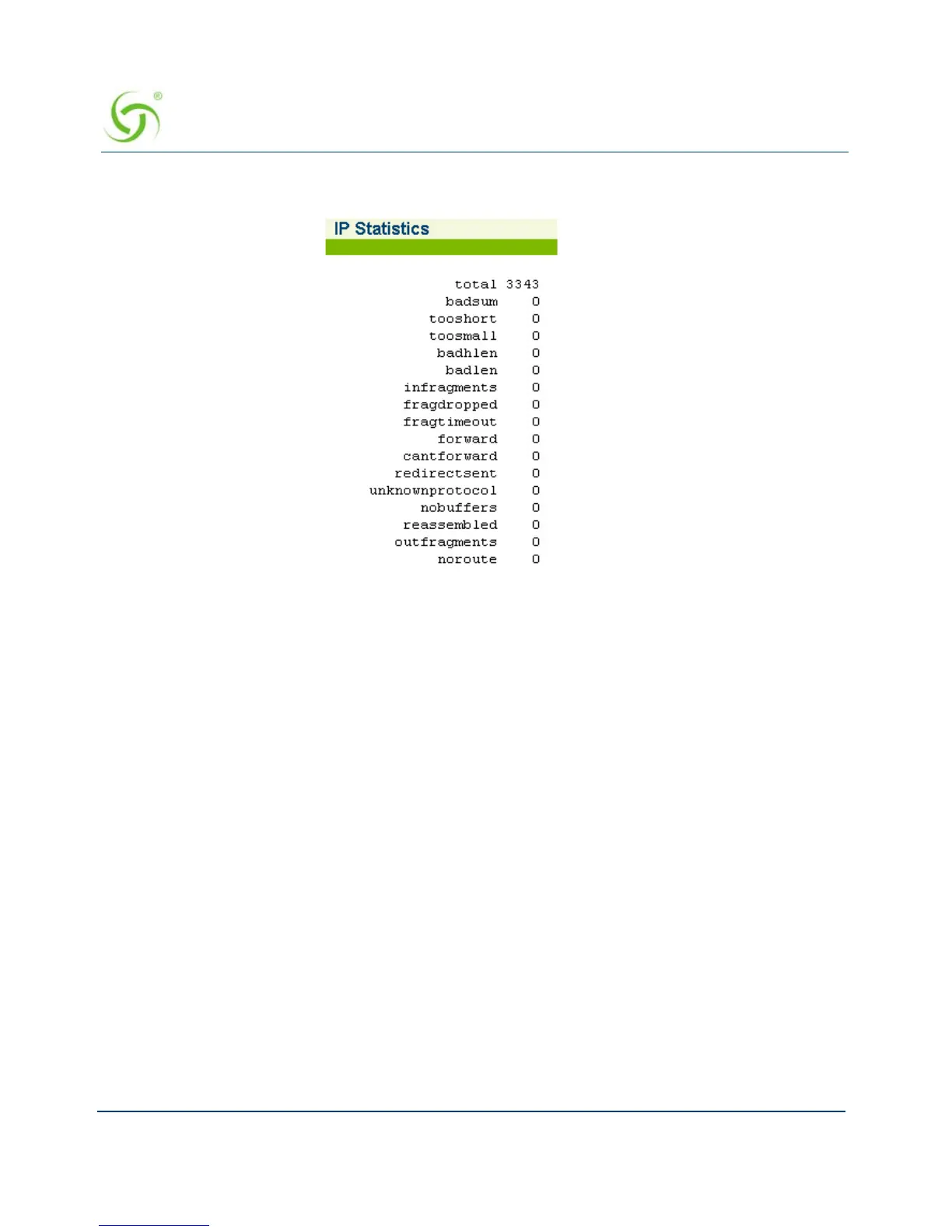
The IP Statistics screen appears:
Viewing IPSec Tunnel Status {IPSec}
To view the current IPSec Tunnel Status, go to the Web Management Interface, click on
Network Info, then click on IPSec.
Viewing NAT IP Address Usage {NAT IP Usage}
To view the current NAT IP Address Usage, go to the Web Management Interface, click on
Network Info, then click on NAT IP Usage.
The NAT IP Usage summary screen appears:



 To Next Page