ACCESS GATEWAY
216 System Administration
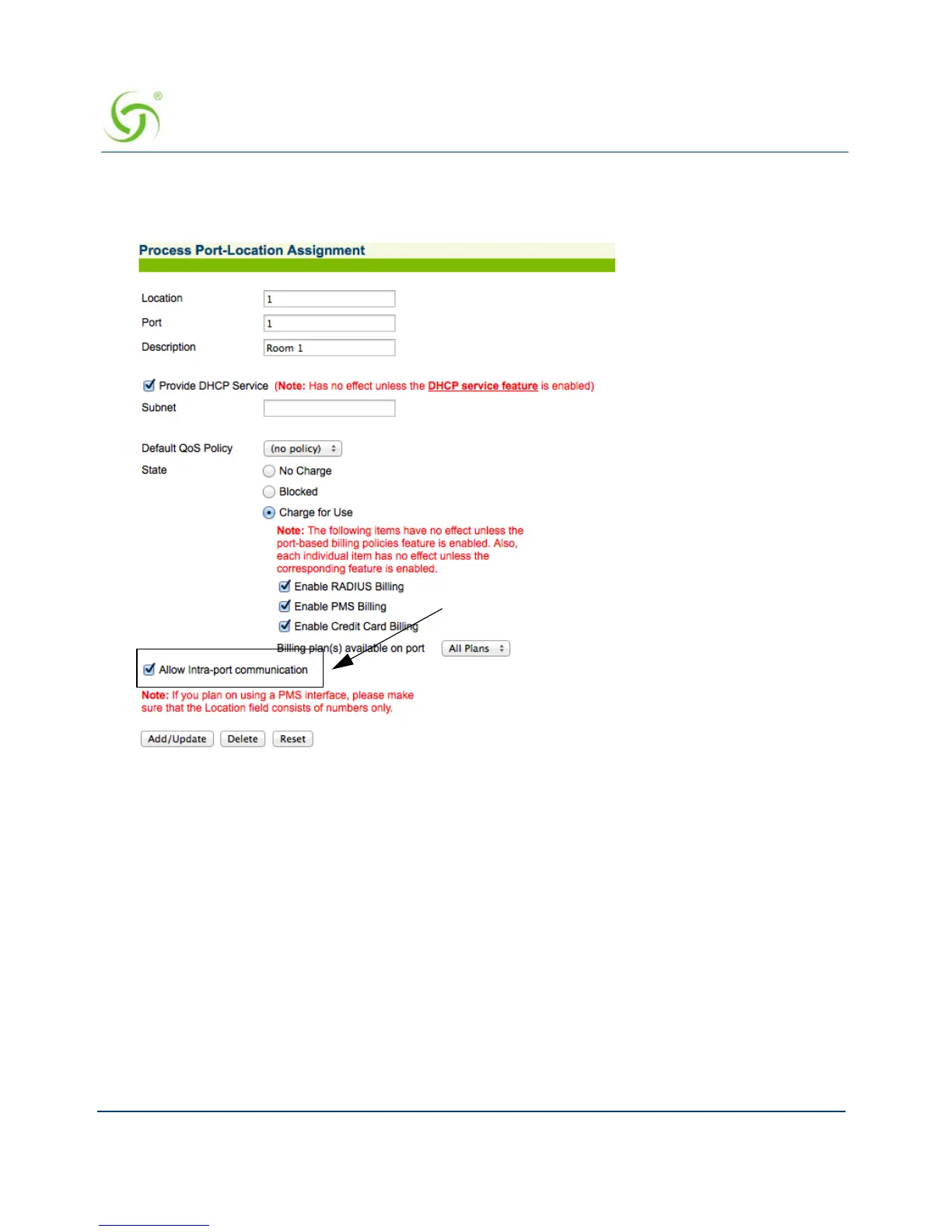
2. Click Allow Intra-port communication.
3. Click Add/Update.
Subscriber Administration Menu
Adding Subscriber Profiles {Add}
This procedure shows you how to add subscriber profiles into a table of authorized users.
Three types of subscriber profiles are provided; see the following sections for configuration
information for the different profile types:
“Adding a Subscriber Type Profile” on page 217
“Adding a Device Type Profile” on page 219
“Adding a Group Type Profile” on page 220



 To Next Page