ACCESS GATEWAY
System Administration 227
Finding Subscriber Profiles by User Name {Find by User}
This procedure shows you how to find a subscriber profile from the Access Gateway’s
database of authorized subscribers, based on the profile’s user name. Use this procedure when
you want to see the statistics corresponding to the user name. Statistics include the subscriber’s
MAC address and the access time remaining for this subscriber.
1. From the Web Management Interface, click on Subscriber Administration, then Find by
User.
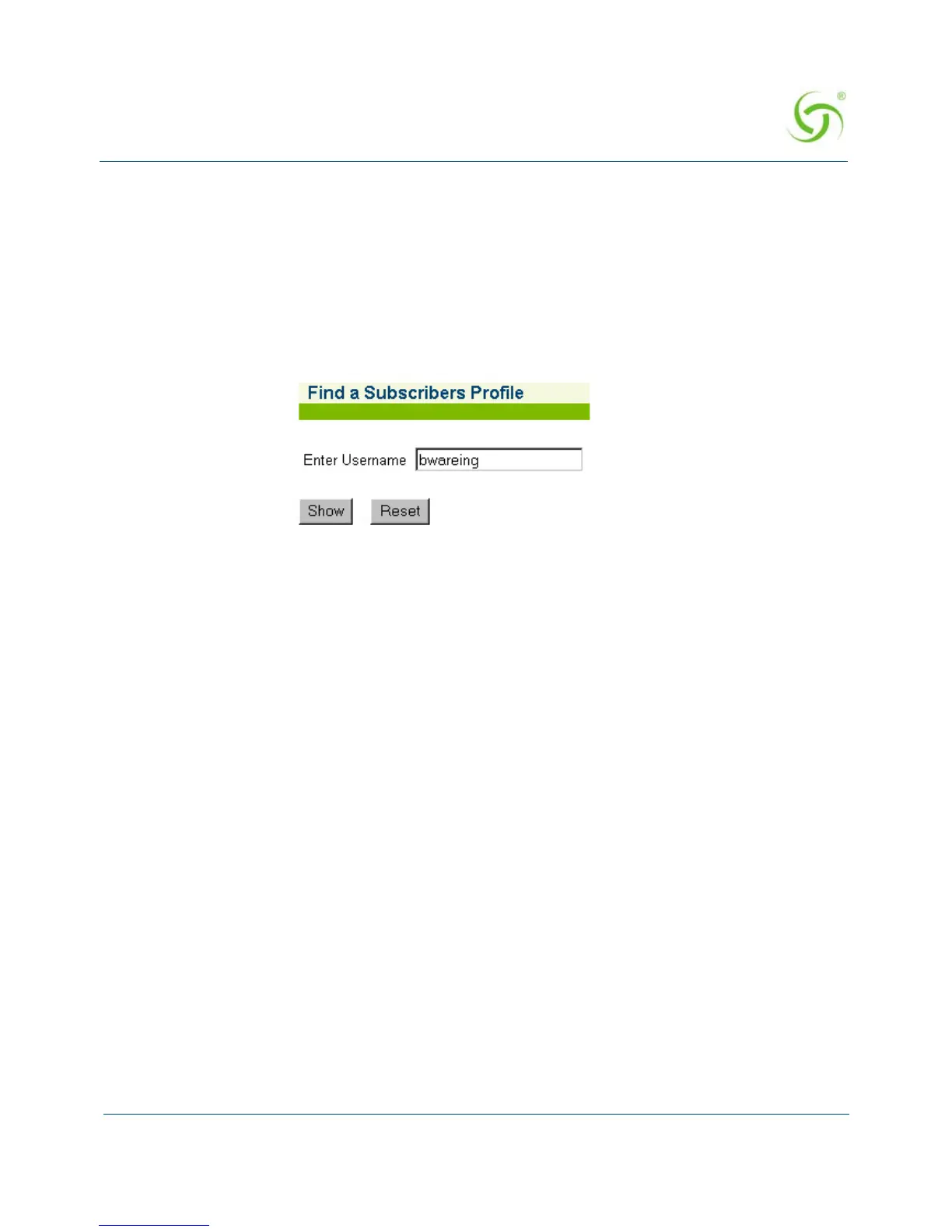
The Find a Subscriber Profile screen appears:
2. In the Enter Username field, enter the user name of the subscriber you want to find.
3. Click on the Show button to view this subscriber profile, or click on the Reset button if
you want to reset the “Username” value to its blank state.
Listing Subscriber Profiles by MAC Address {List by MAC}
You can display the currently active database of authorized subscribers, based on MAC
addresses.
To view the list of Authorized Subscriber Profiles, go to the Web Management Interface, click
on
Subscriber Administration, then click on List by MAC.



 To Next Page