ACCESS GATEWAY
Installing the Access Gateway 43
Powering Up the System
Use this procedure to establish a direct cable connection between the Access Gateway and
your laptop computer, and to power up the system.
1. Place the Access Gateway on a flat and stable work surface.
2. Connect the power cord.
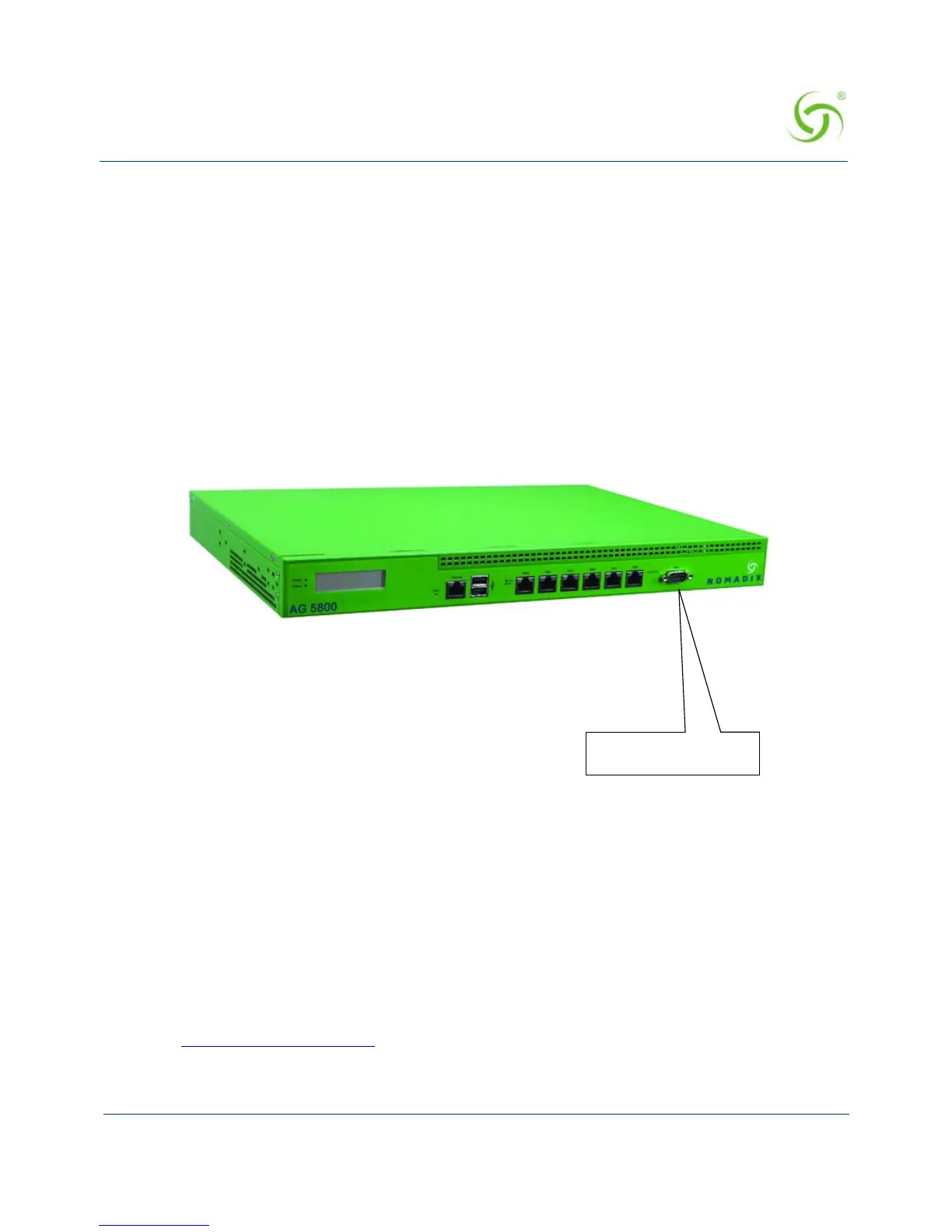
3. Connect the DB9 serial cable between the Access Gateway’s “serial port” or “front Access
RJ45 port” and your computer.
4. Turn on your computer and allow it to boot up.
5. Turn on the Access Gateway.
User Manual and Documentation
The Nomadix product user manuals, product documentation and support files including
MIB, XML DTD and sample dictionary files are located at the following URL:
http://www.nomadix.com/current_releases.php
If you have any problems, please contact our technical support team at +1.818.575.2590,
or email: support@nomadix.com
.



 To Next Page