ACCESS GATEWAY
278 System Administration
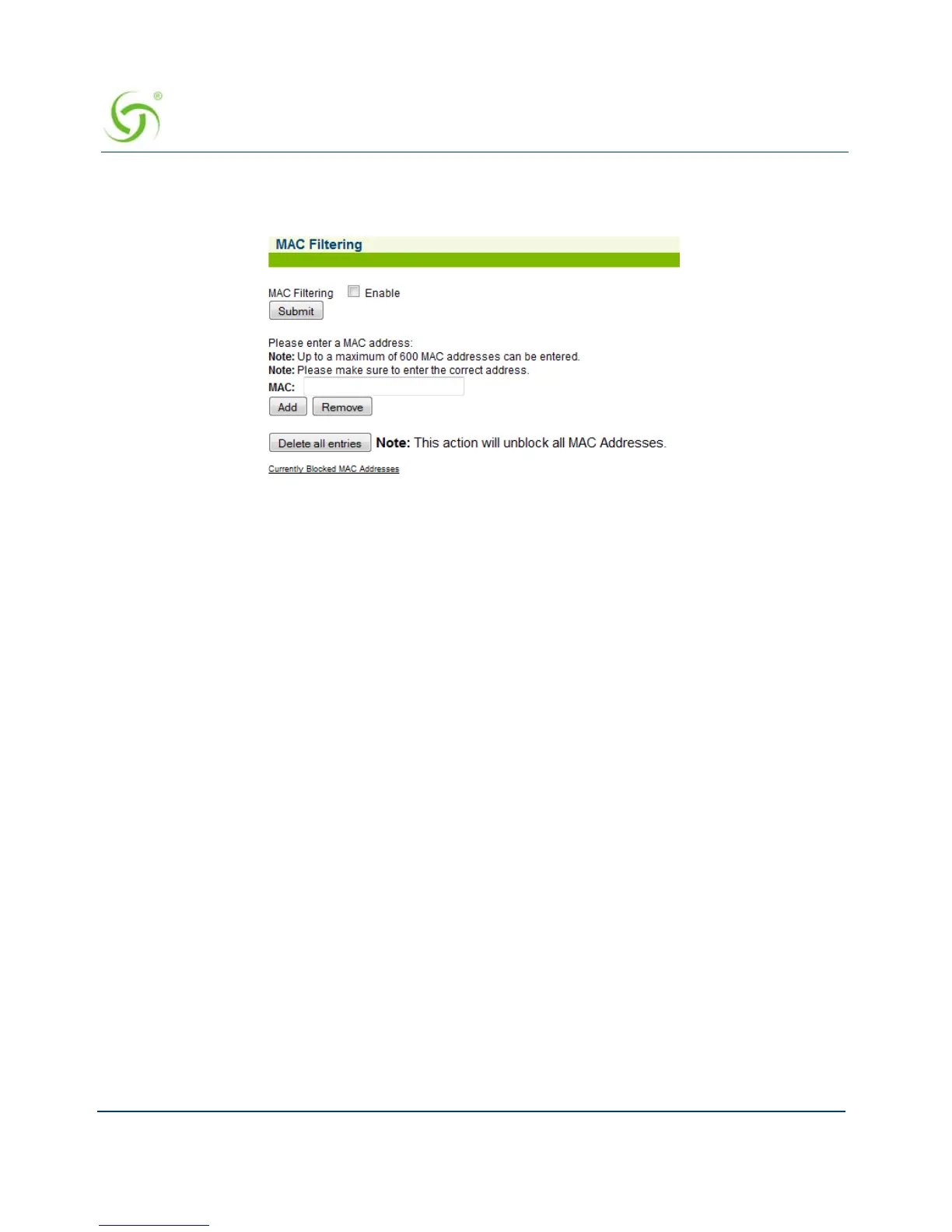
1. From the Web Management Interface, click on System, then MAC Filtering. The MAC
Filtering screen appears:
2. Click on the check box for MAC Filtering to enable (or disable) this feature, as required.
3. Enter a MAC address in the MAC field, then click on the Add button to add this address to
the “blocked” list, or click on the
Remove button to remove this address from the list.
For advanced security, see also, “Establishing Session Rate Limiting {Session Limit}” on
page 282.
Utilizing Packet Capturing {Packet Capture}
The Packet Capture feature provides NSE administrators with an on-system utility to capture
network traffic on each of the NSE network interfaces. The captured network traffic will be
accessible for FTP download and viewing on a remote host, in the form of a PCAP-formatted
file. (Note that a utility that is capable of reading and displaying PCAP-formatted files, such as
Wireshark®, is required in order to view the results).



 To Next Page