ACCESS GATEWAY
Quick Reference Guide 353
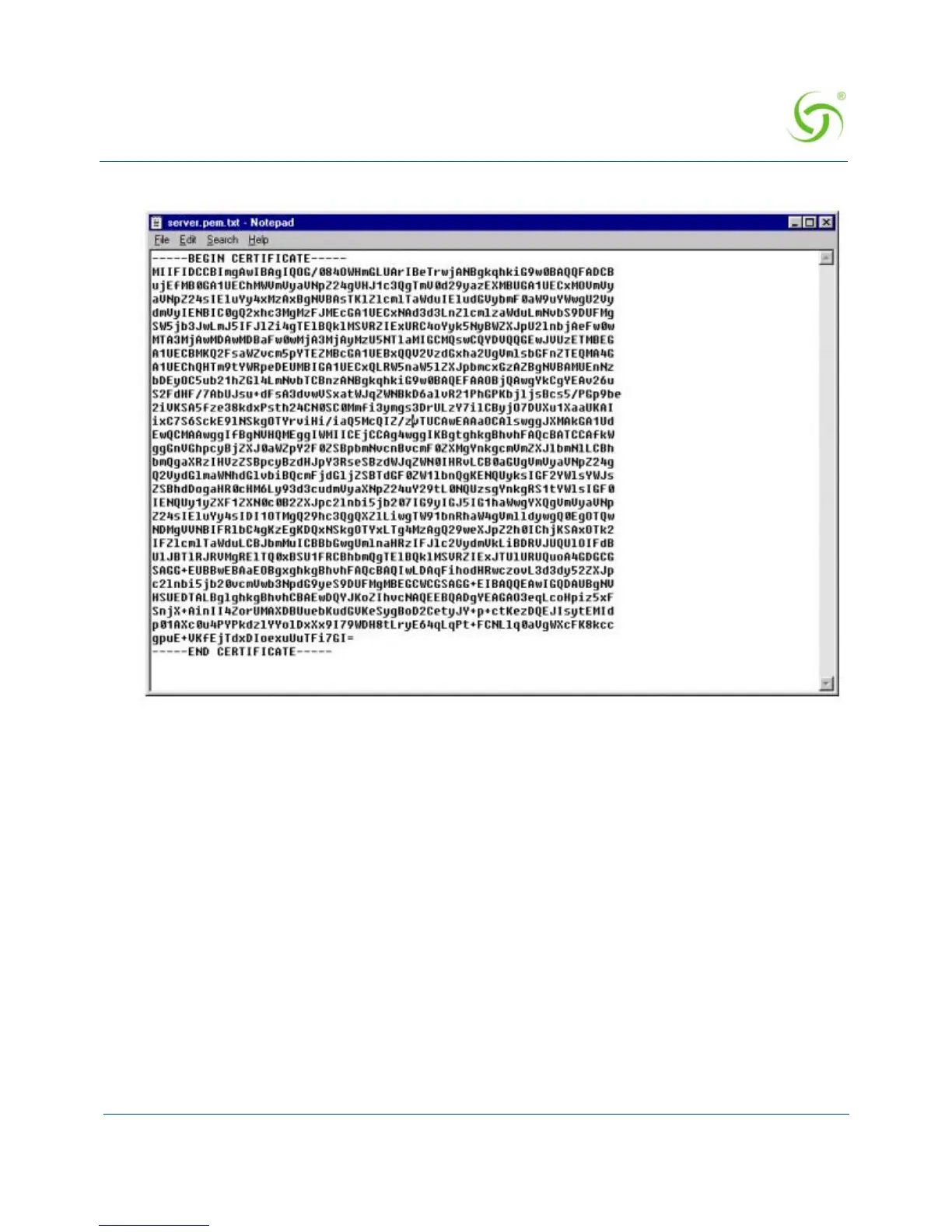
The file, “server.pem” will look like this:
You have now finished the process of obtaining a public key.
Setting Up Access Gateway for SSL Secure Login
FTP the “cakey.pem” and “server.pem” files into the Access Gateway platform's flash
directory.
FTP to the Access Gateway by Netscape: ftp://username:password@[Access Gateway
Network IP]/flash
Drag and drop the “cakey.pem” and “server.pem” files into the directory.
Changing Settings in the WMI
To change settings in the Web Management Interface (WMI), go to “Configuration Menu” on
page 82.



 To Next Page