ACCESS GATEWAY
System Administration 133
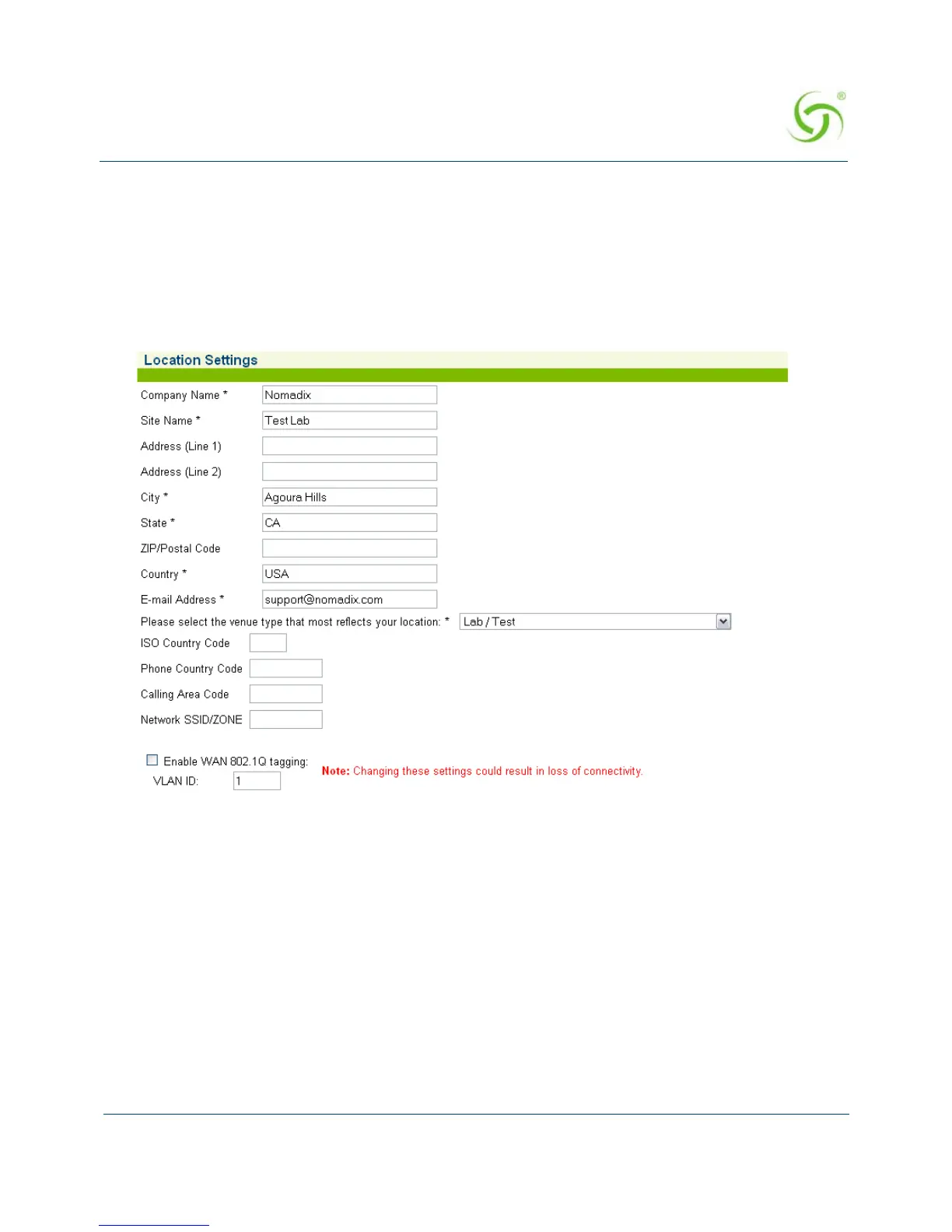
Establishing Your Location {Location}
This command sets up your location and the corresponding IP addresses for the network
interface, subscriber interface, subnet, and default gateway. You *must* provide your full
location information.
1. From the Web Management Interface, click on Configuration, then Location. The
Location Settings screen appears:



 To Next Page