ACCESS GATEWAY
168 System Administration
“Setting Up the SSL Feature” on page 342
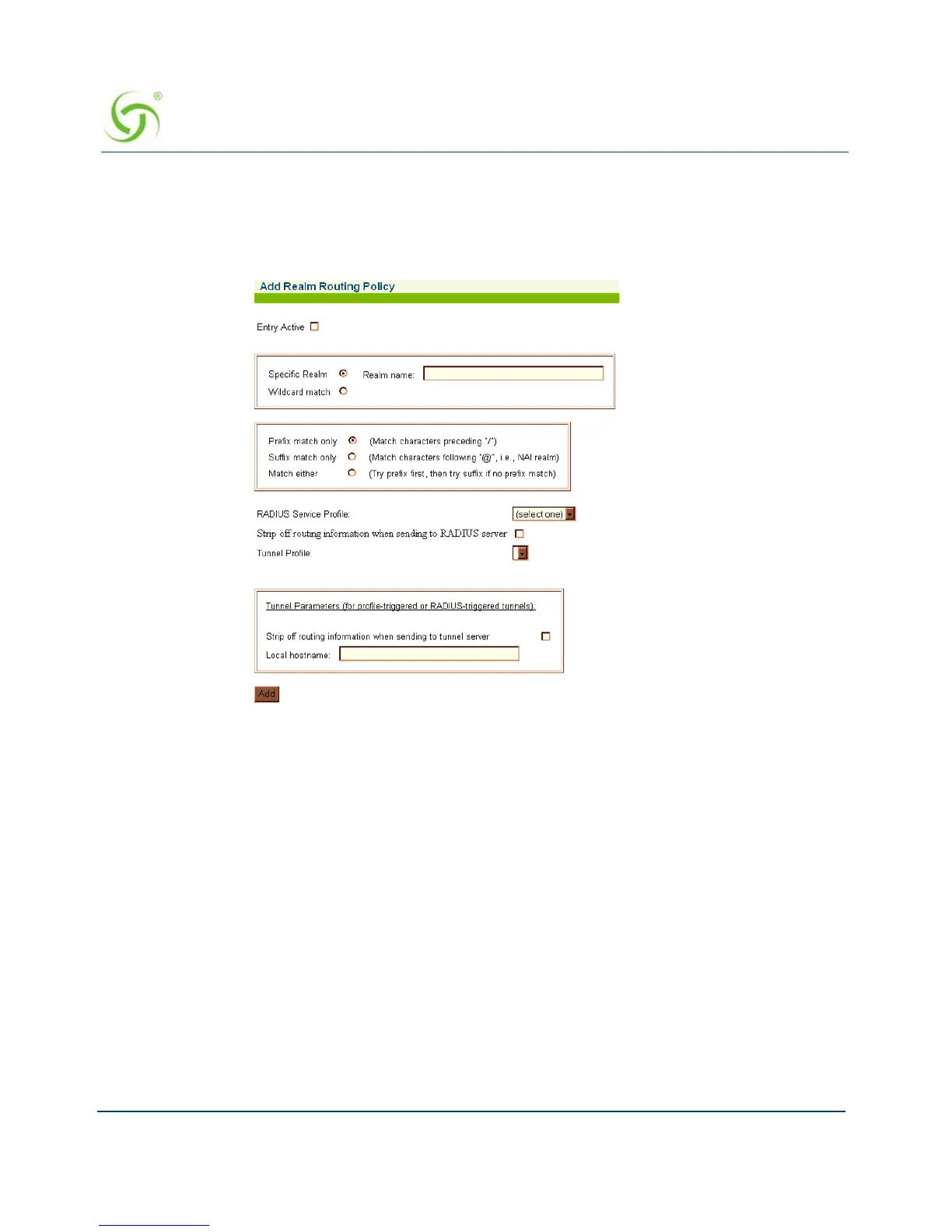
From the Web Management Interface, click on
Configuration, then Realm-Based Routing.
The Realm-Based Routing Settings screen appears:
Define RADIUS Service Profiles
RADIUS service profiles are used to direct username access requests for both plain RADIUS
users and users who supply realm/domain in their username. In response to a RADIUS access
request, these RADIUS servers will return the L2TP tunnel parameters which the NSE will use
to establish an L2TP tunnel.
Create a RADIUS service profile to a RADIUS server that will handle Prefix-based users. This
is to handle users that will login with a username in the format type of “ISP/username”. In this
case the delimiter is “/” and what appears before it, “ISP”, is the realm name.
Create a RADIUS service profile for a RADIUS server that will handle Suffix-based users.
This is to handle users that will login with a username in the format type of
“username@ISP.com”. In this case the delimiter is “@” and what appears after it, “ISP.com”, is
the realm name.



 To Next Page