ACCESS GATEWAY
248 System Administration
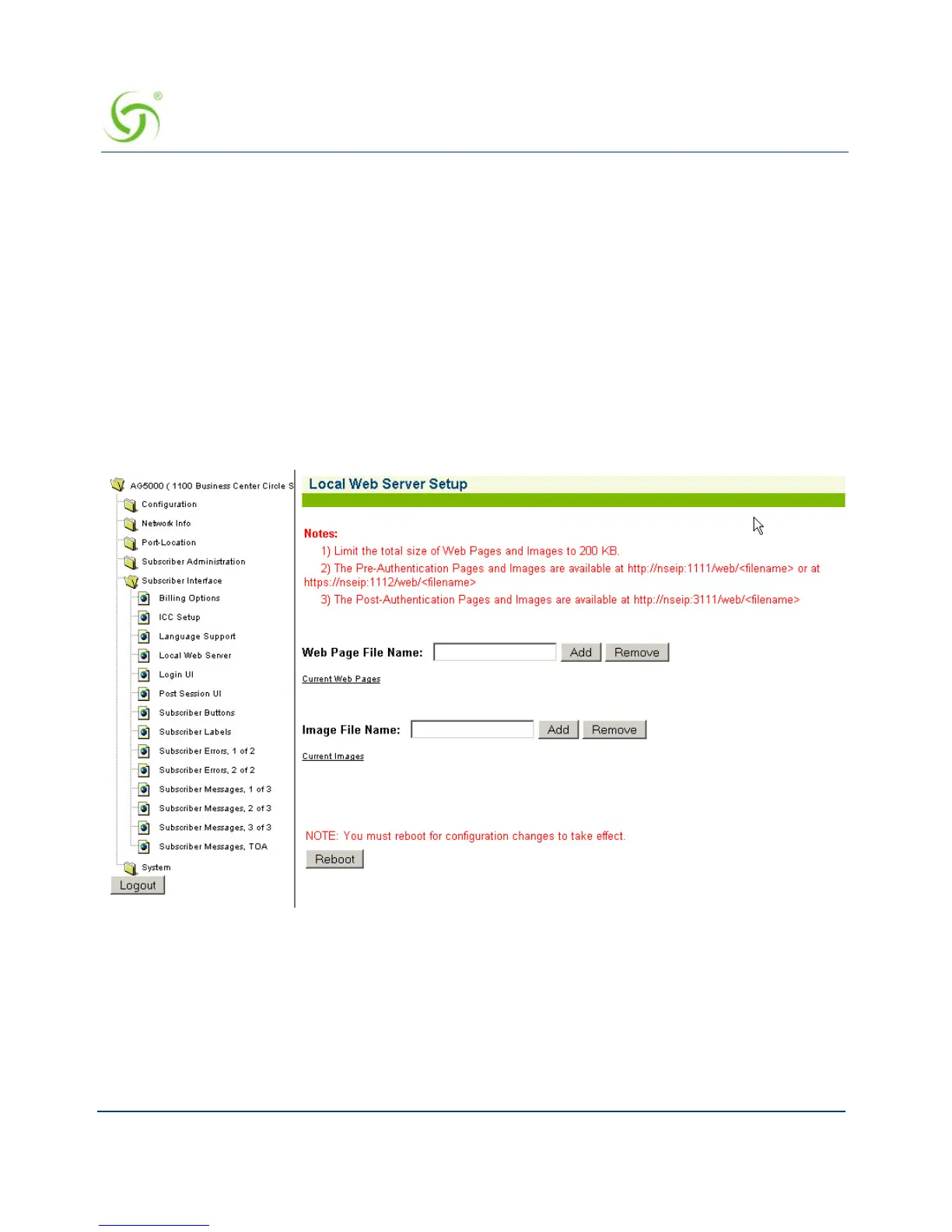
1. Upload the required pages and images to the /flash/web directory using FTP. Total file size
of all pages and images cannot exceed 200 KB. File names should be labeled using the 8.3
format.
2. Go to WMI>Subscriber Interface>Local Web Server and add the names of the HTML or
image files that were uploaded to the /flash/web directory.
3. Reboot the NSE (System>Reboot).
4. The pages can now be served by referencing the URL http://nseip:1111/web/<filename> or
at https://nseip:1112/web/<filename> for preauthenticated end users.
5. The post-authentication pages and images are available at http://nseip:3111/web/
<filename>
These settings are available under Subscriber Interface/Local Web Server menu.
Web Page File Name
This text box lets you add or remove the names of the web pages that you intend to serve to the
end users. Note: The name of the web page has to be added in order for it to be served to the
end users. Uploading the web page to the /web directory is not sufficient.



 To Next Page