ACCESS GATEWAY
System Administration 281
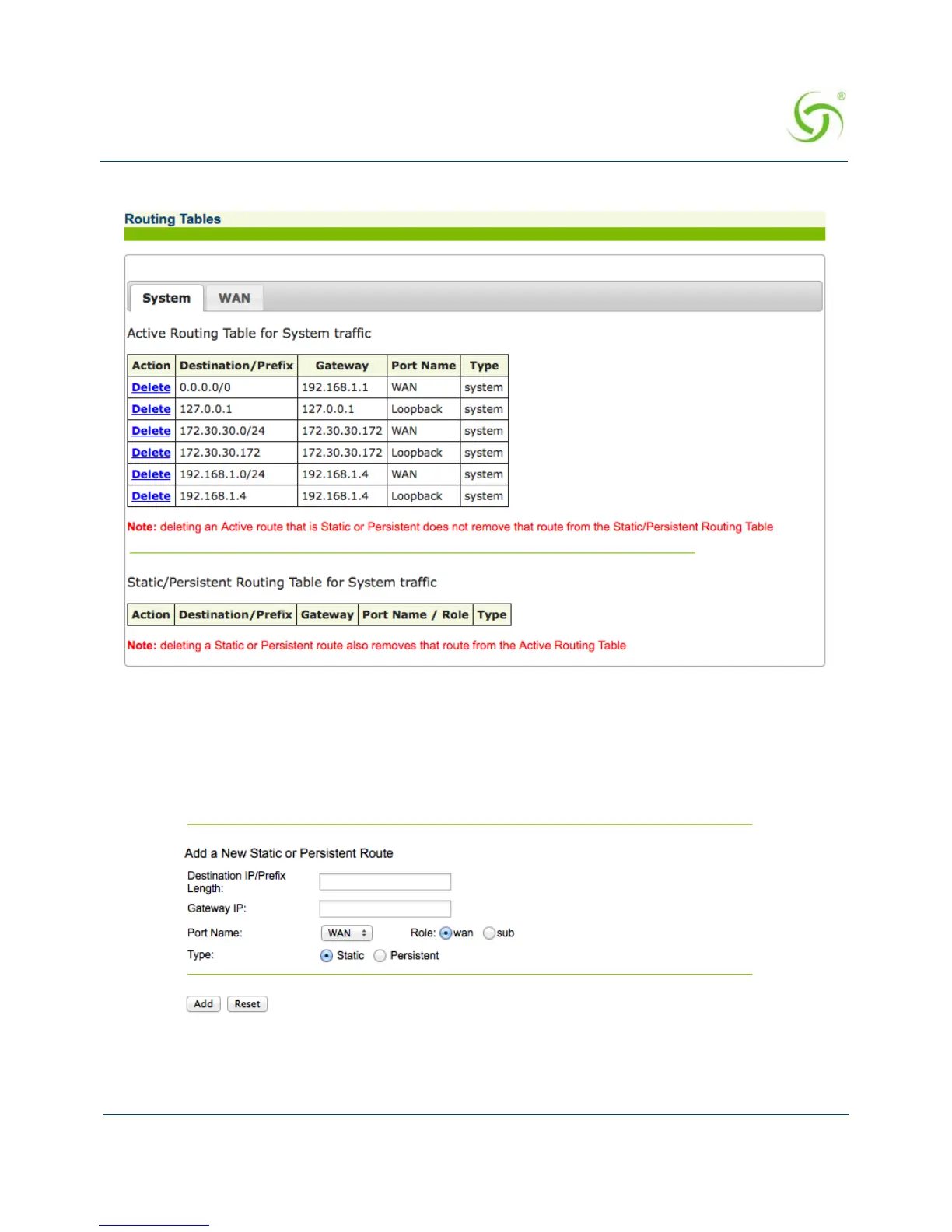
To view the routing tables, choose System > Routing. The Routing Tables screen appears.
You can view the routes associated with each physical NSE port by clicking on the tab for the
port. In the screen shot above, only the WAN port is in use.
Adding a Route
1. On the Routing Tables screen, scroll to Add a New Static or Persistent Route.



 To Next Page