Chapter 11 Filter configuration 131
BCM50a Integrated Router Configuration — Advanced
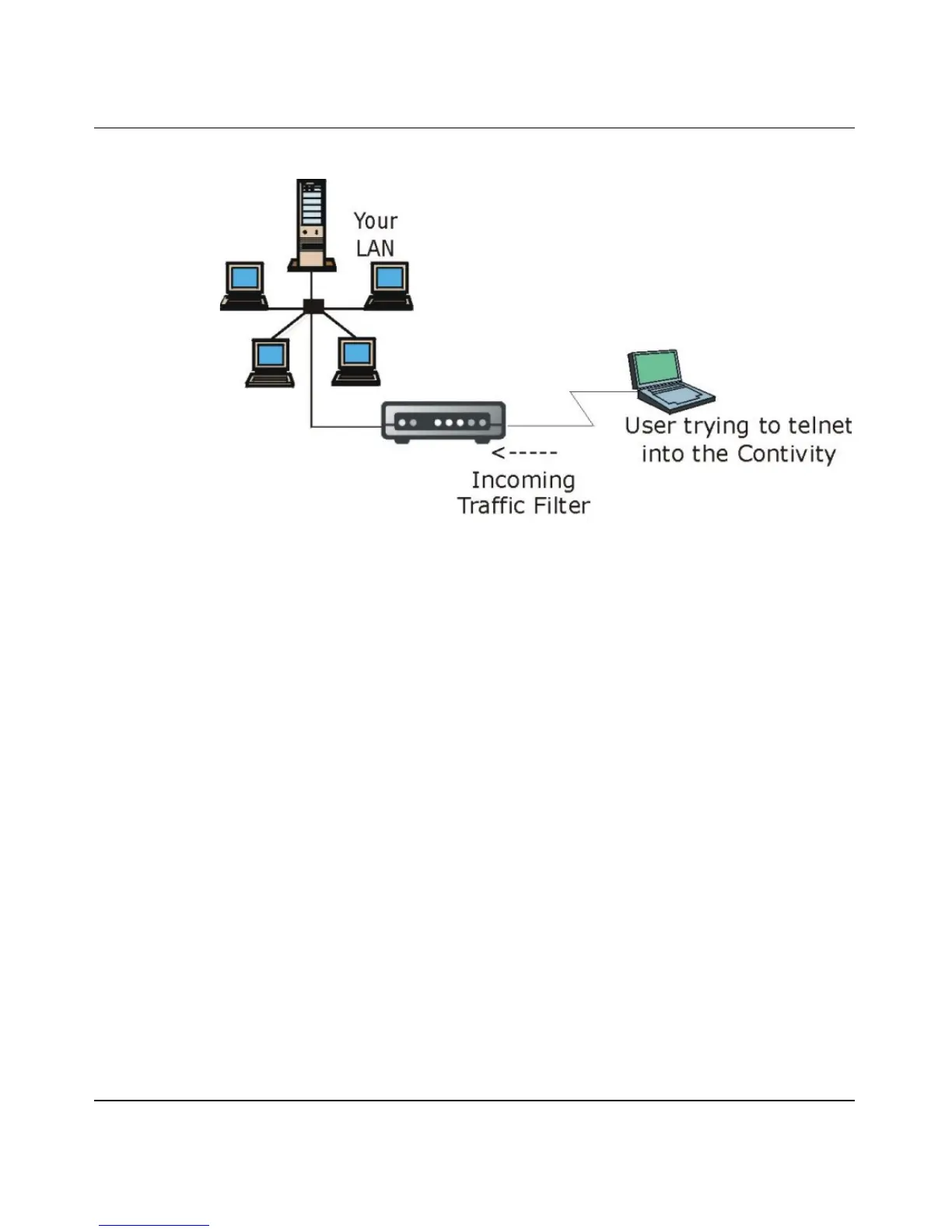
Figure 60 Telnet filter Example
1 Enter 21 from the main menu to open Menu 21 - Filter and Firewall Setup.
2 Enter 1 to open Menu 21.1 - Filter Set Configuration.
3 Enter the index of the filter set you wish to configure (for example 3) and
press [ENTER]
.
4 Enter a descriptive name or comment in the Edit Comments field and press
[ENTER].
5 Press [ENTER] at the message [Press ENTER to confirm] to open Menu
21.1.3 - Filter Rules Summary.
6 Enter 1 to configure the first filter rule (the only filter rule of this set). Make
the entries in this menu as shown in Figure 61.
BCM50a Integrated Router



 To Next Page