Appendix C Importing certificates 215
BCM50a Integrated Router Configuration — Advanced
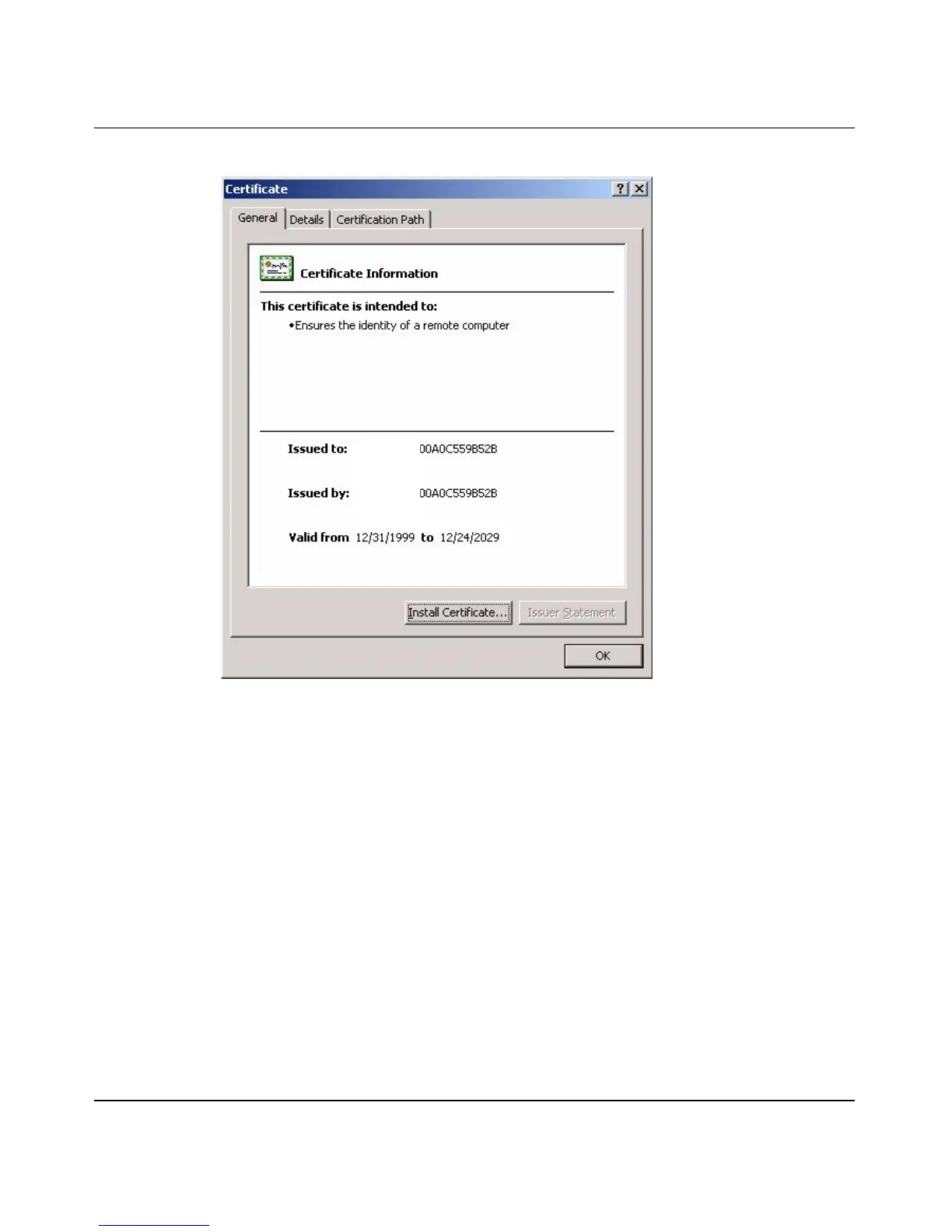
Figure 120 Certificate General Information after Import
Enrolling and Importing SSL Client Certificates
The SSL client needs a certificate if Authenticate Client Certificates is selected
on the BCM50a Integrated Router.
You must have imported at least one trusted CA to the BCM50a Integrated Router
in order for the Authenticate Client Certificates to be active (see “Certificates”
in BCM50a Integrated Router Configuration - Basics (N0115790) for details).
Apply for a certificate from a Certification Authority (CA) that is trusted by the
BCM50a Integrated Router (see the BCM50a Integrated Router’s Trusted CA
WebGUI screen—Figure 121).



 To Next Page