Appendix A Setting up your computer IP address 201
BCM50a Integrated Router Configuration — Advanced
10 Turn on your BCM50a Integrated Router and restart your computer (if
prompted).
Verifying Settings
1 Click Start, All Programs, Accessories and then Command Prompt.
2 In the Command Prompt window, type ipconfig and press [ENTER]. You
can also open Network Connections, right-click a network connection, click
Status and then click the Support tab.
Macintosh OS 8/9
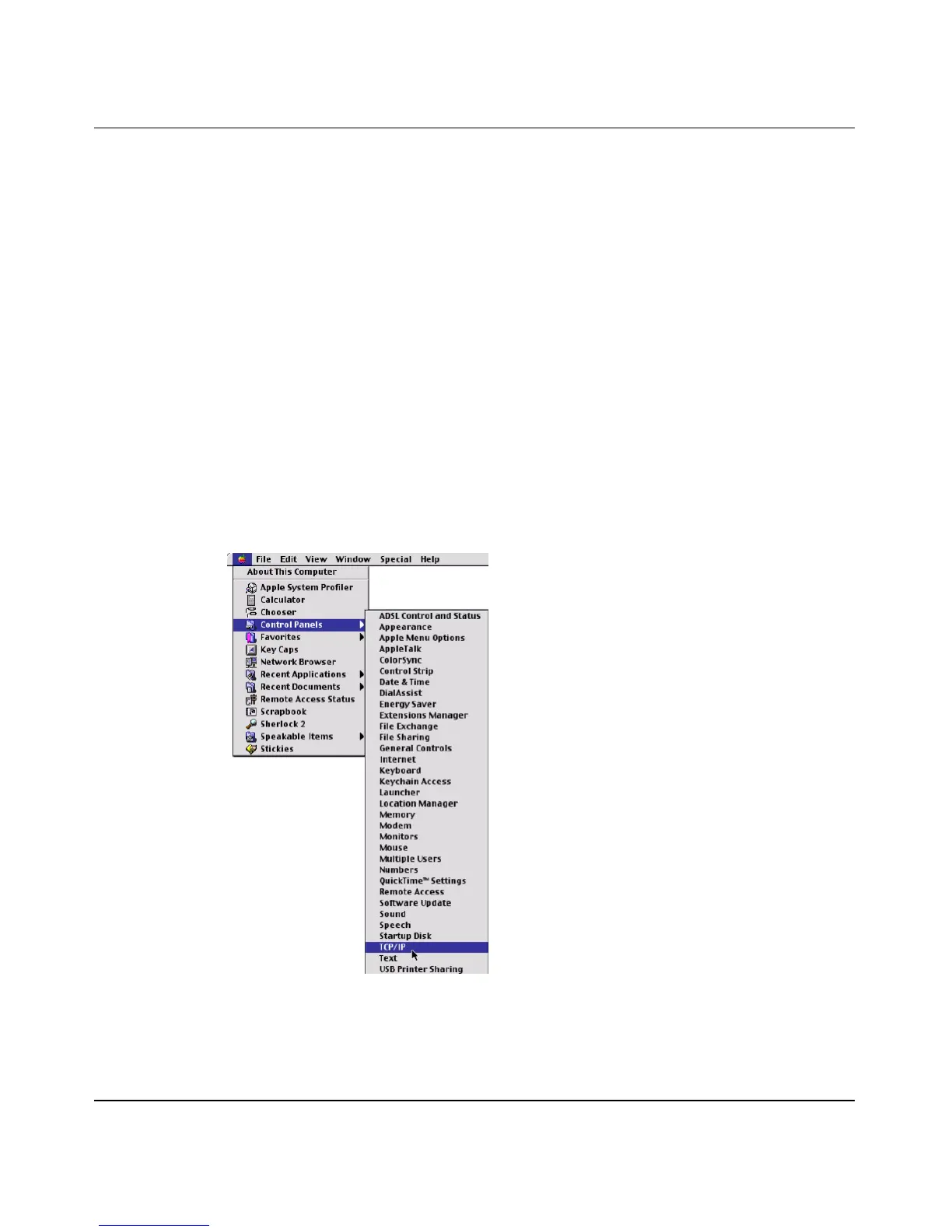
1 Click the Apple menu, Control Panel and double-click TCP/IP to open the
TCP/IP Control Panel.
Figure 106 Macintosh OS 8/9: Apple Menu



 To Next Page