Appendix A Setting up your computer IP address 199
BCM50a Integrated Router Configuration — Advanced
5 The Internet Protocol TCP/IP Properties window appears (the General tab
in Windows XP).
— If you have a dynamic IP address, click Obtain an IP address
automatically.
— If you have a static IP address, click Use the following IP Address and
fill in the IP address, Subnet mask, and Default gateway fields. Click
Advanced.
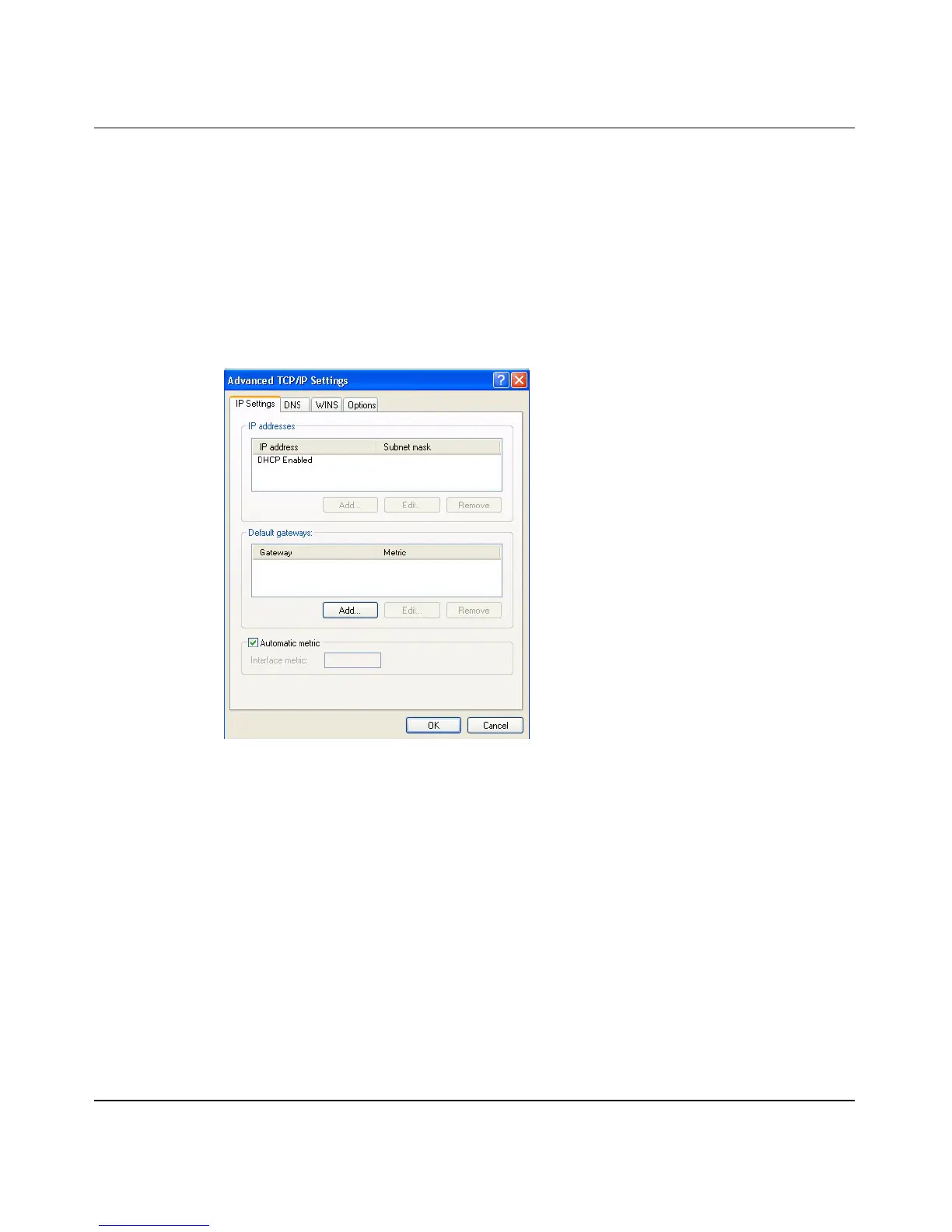
Figure 104 Windows XP: Advanced TCP/IP settings
6 If you do not know your gateway IP address, remove any previously installed
gateways in the IP Settings tab and click OK.
Ë Do one or more of the following if you want to configure additional IP
addresses:
—In the IP Settings tab, in IP addresses, click Add.
—In TCP/IP Address, type an IP address in IP address and a subnet mask
in Subnet mask, and then click Add.
— Repeat the above two steps for each IP address you want to add.
— Configure additional default gateways in the IP Settings tab by clicking
Add in Default gateways.



 To Next Page