Appendix C Importing certificates 217
BCM50a Integrated Router Configuration — Advanced
Installing the CA’s certificate
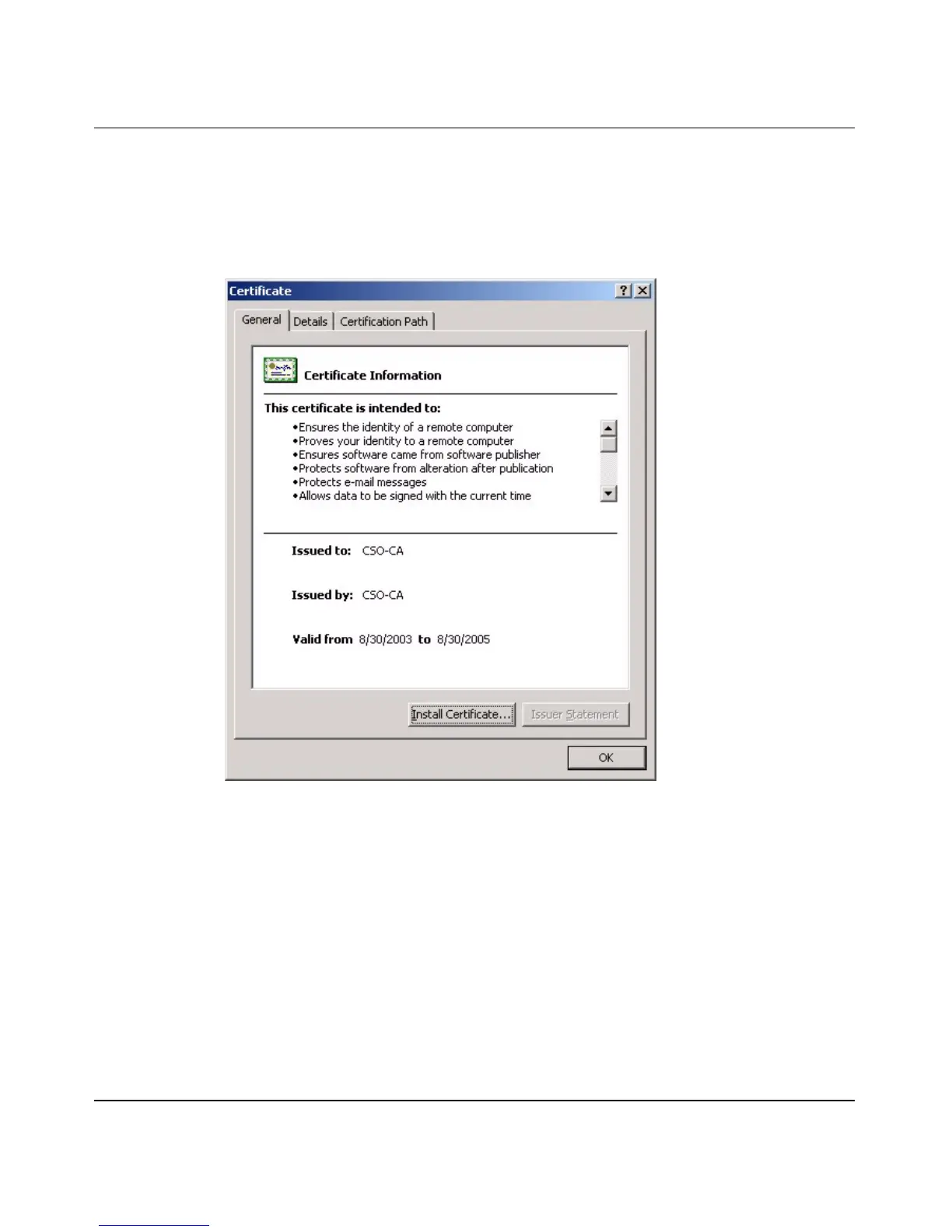
1 Double click the CA’s trusted certificate to produce a screen similar to the one
shown in Figure 122.
Figure 122 CA certificate example
2 Click Install Certificate and follow the wizard as shown earlier in this
appendix.
Installing your personal certificates
You need a password in advance. The CA can issue the password or you can
specify it during the enrollment. Double-click the personal certificate given to you
by the CA to produce a screen similar to Figure 123



 To Next Page