196 Appendix A Setting up your computer IP address
N0115791
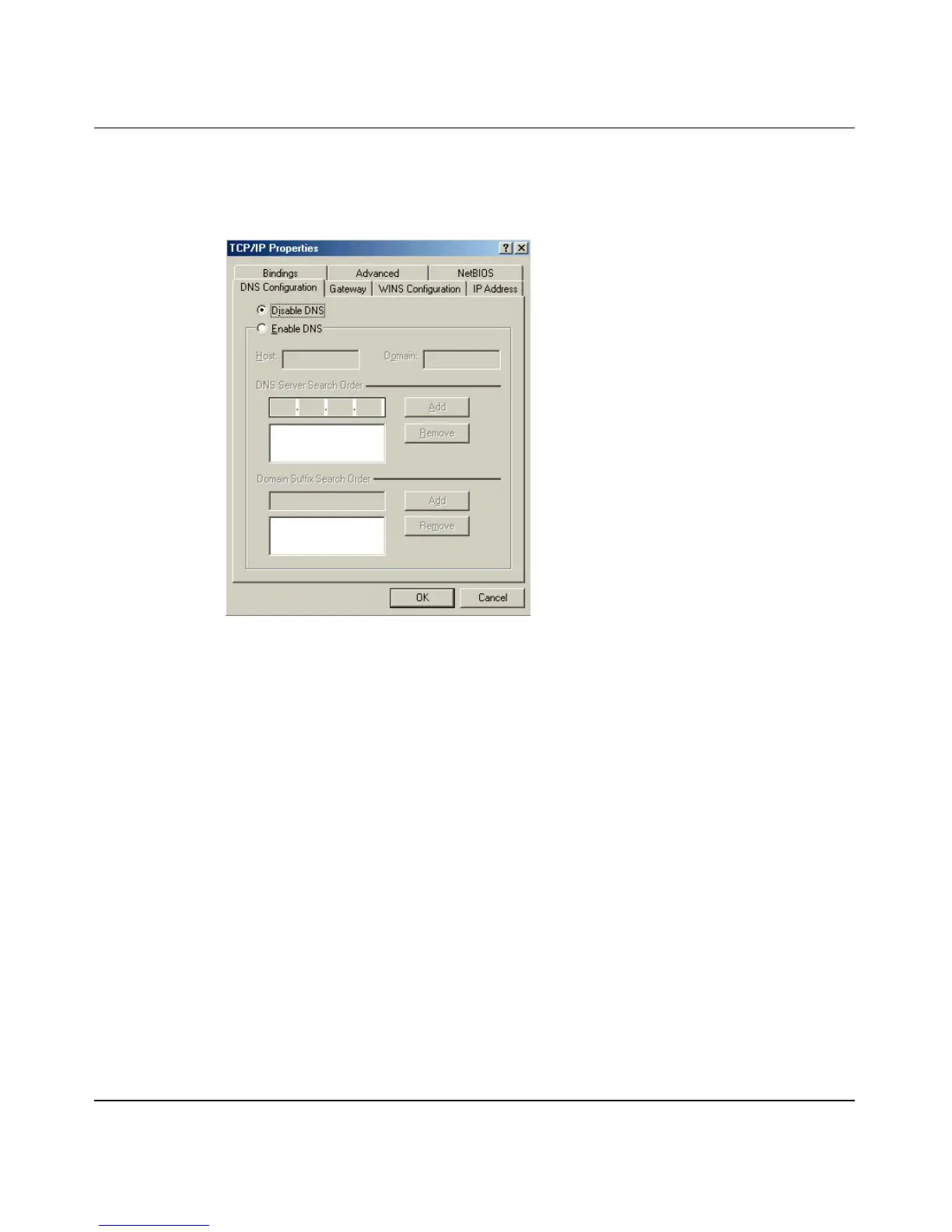
— If you know your DNS information, select Enable DNS and type the
information in the fields below (you do not need to fill them all in).
Figure 99 Windows 95/98/Me: TCP/IP Properties: DNS configuration
4 Click the Gateway tab.
— If you do not know your gateway’s IP address, remove previously
installed gateways.
— If you have a gateway IP address, type it in the New gateway field and
click Add.
5 Click OK to save and close the TCP/IP Properties window.
6 Click OK to close the Network window. Insert the Windows CD if prompted.
7 Turn on your BCM50a Integrated Router and restart your computer when
prompted.
Verifying Settings
1 Click Start and then Run.
2 In the Run window, type winipcfg and click OK to open the IP
Configuration window.
3 Select your network adapter. Your computer IP address, subnet mask, and
default gateway will be displayed.



 To Next Page