Appendix C Importing certificates 223
BCM50a Integrated Router Configuration — Advanced
Using a certificate when accessing the BCM50a
Integrated Router example
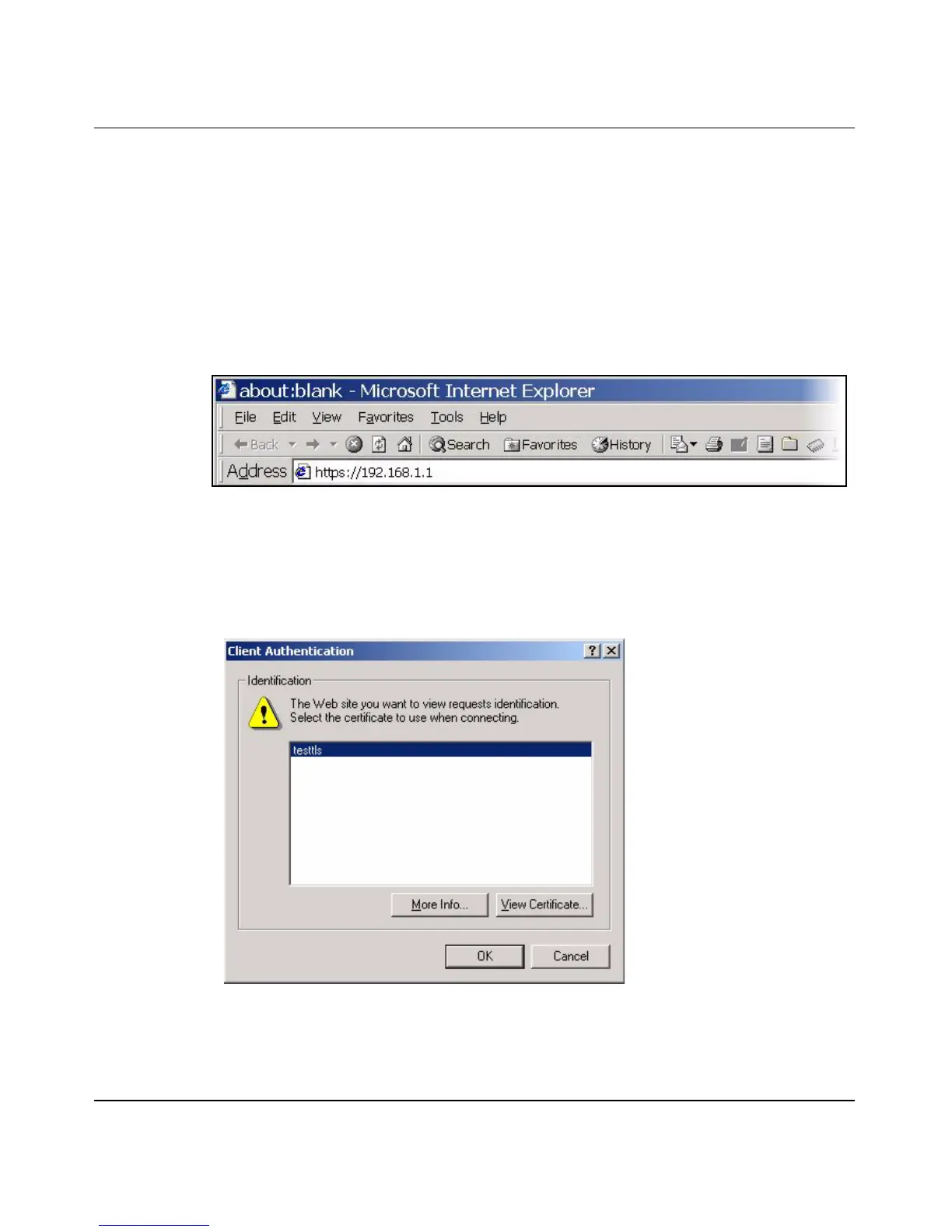
Use the following procedure to access the BCM50a Integrated Router via HTTPS.
1 Enter https://BCM50a Integrated Router IP Address/ in your browser’s web
address field.
Figure 129 Access the BCM50a Integrated Router via HTTPS
2 When Authenticate Client Certificates is selected on the BCM50a
Integrated Router, you are asked to select a personal certificate to send to the
BCM50a Integrated Router. This screen displays even if you only have a
single certificate, as shown in Figure 130.
Figure 130 SSL client authentication



 To Next Page