194 Appendix A Setting up your computer IP address
N0115791
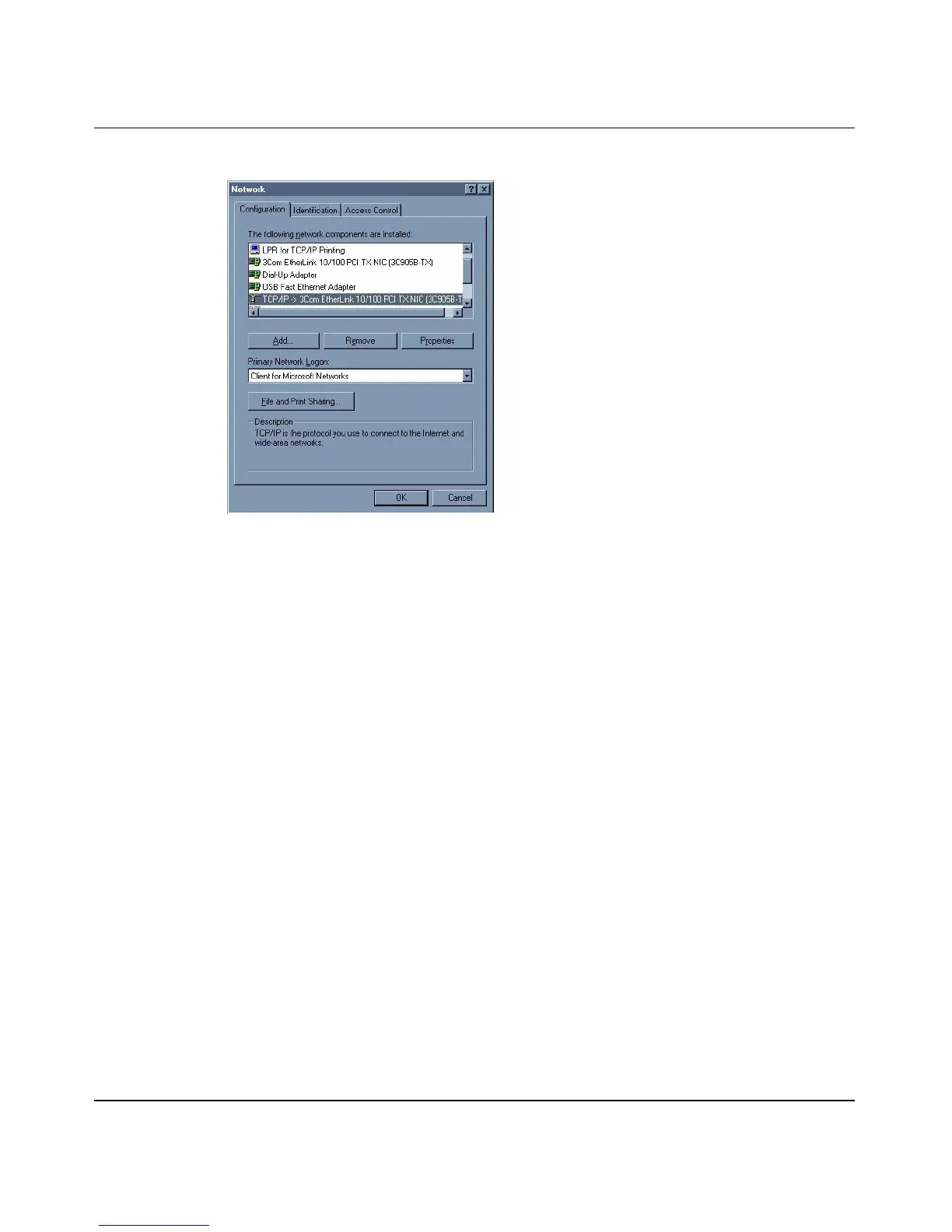
Figure 97 WIndows 95/98/Me: network: configuration
Installing components
The Network window Configuration tab displays a list of installed components.
You need a network adapter, the TCP/IP protocol and Client for Microsoft
Networks.
If you need the adapter:
a In the Network window, click Add.
b Select Adapter and click Add.
c Select the manufacturer and model of your network adapter and click
OK.
If you need TCP/IP:
a In the Network window, click Add.
b Select Protocol and click Add.
c Select Microsoft from the list of manufacturers.
d Select TCP/IP from the list of network protocols and click OK.
If you need Client for Microsoft Networks:



 To Next Page