210 Appendix C Importing certificates
N0115791
Importing the BCM50a Integrated Router Certificate into
Internet Explorer
For Internet Explorer to trust a self-signed certificate from the BCM50a Integrated
Router, simply import the self-signed certificate into your operating system as a
trusted certification authority.
To have Internet Explorer trust a BCM50a Integrated Router certificate issued by
a certificate authority, import the certificate authority’s certificate into your
operating system as a trusted certification authority.
The following example procedure shows how to import the BCM50a Integrated
Router’s (self-signed) server certificate into your operating system as a trusted
certification authority.
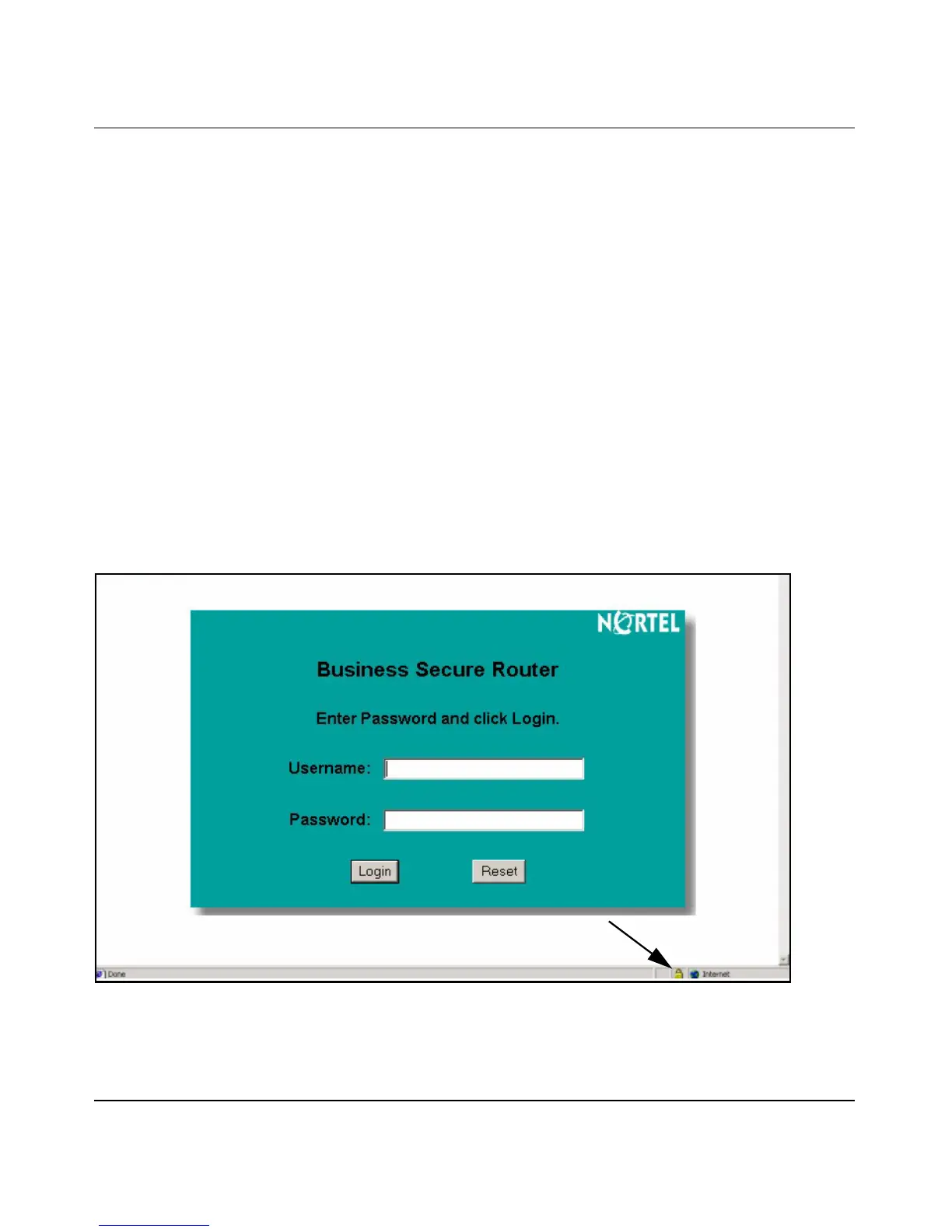
1 In Internet Explorer, double click the lock shown in Figure 114.
Figure 114 Login Screen



 To Next Page