Appendix A Setting up your computer IP address 203
BCM50a Integrated Router Configuration — Advanced
Macintosh OS X
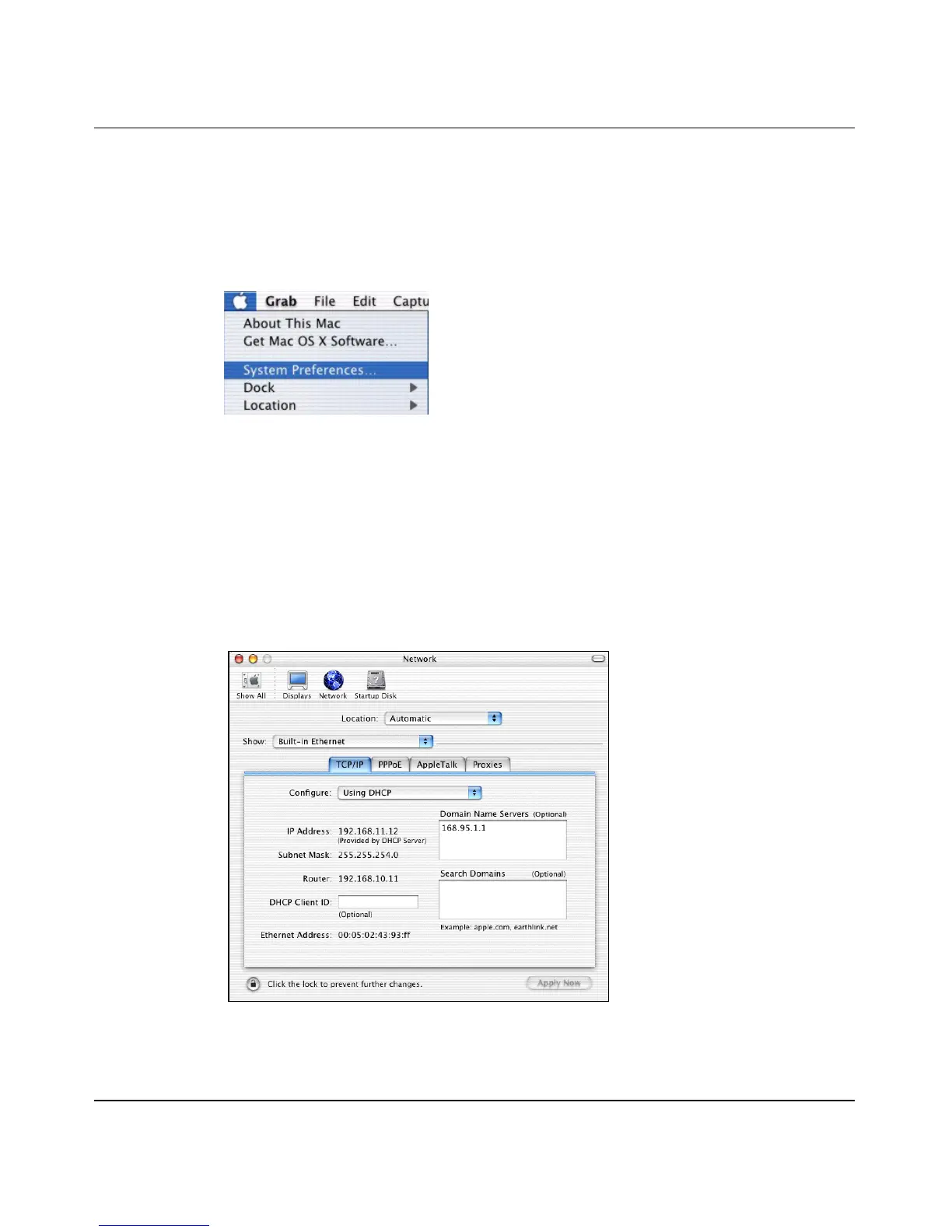
1 Click the Apple menu, and click System Preferences to open the System
Preferences window.
Figure 108 Macintosh OS X: Apple menu
2 Click Network in the icon bar.
— Select Automatic from the Location list.
— Select Built-in Ethernet from the Show list.
— Click the TCP/IP tab.
3 For dynamically assigned settings, select Using DHCP from the Configure
list.
Figure 109 Macintosh OS X: Network



 To Next Page