106 Océ 3165 User Manual
▼ Printing a document to file
1
From the File menu of your application, select the option ‘Print’.
You are now in the print window of the application.
Note: Leave the number of copies set to ‘1’ in this window.
2 Select the ‘Print to File’ option in this window.
3 Click ‘Print’ (in some applications you must select ‘OK’)
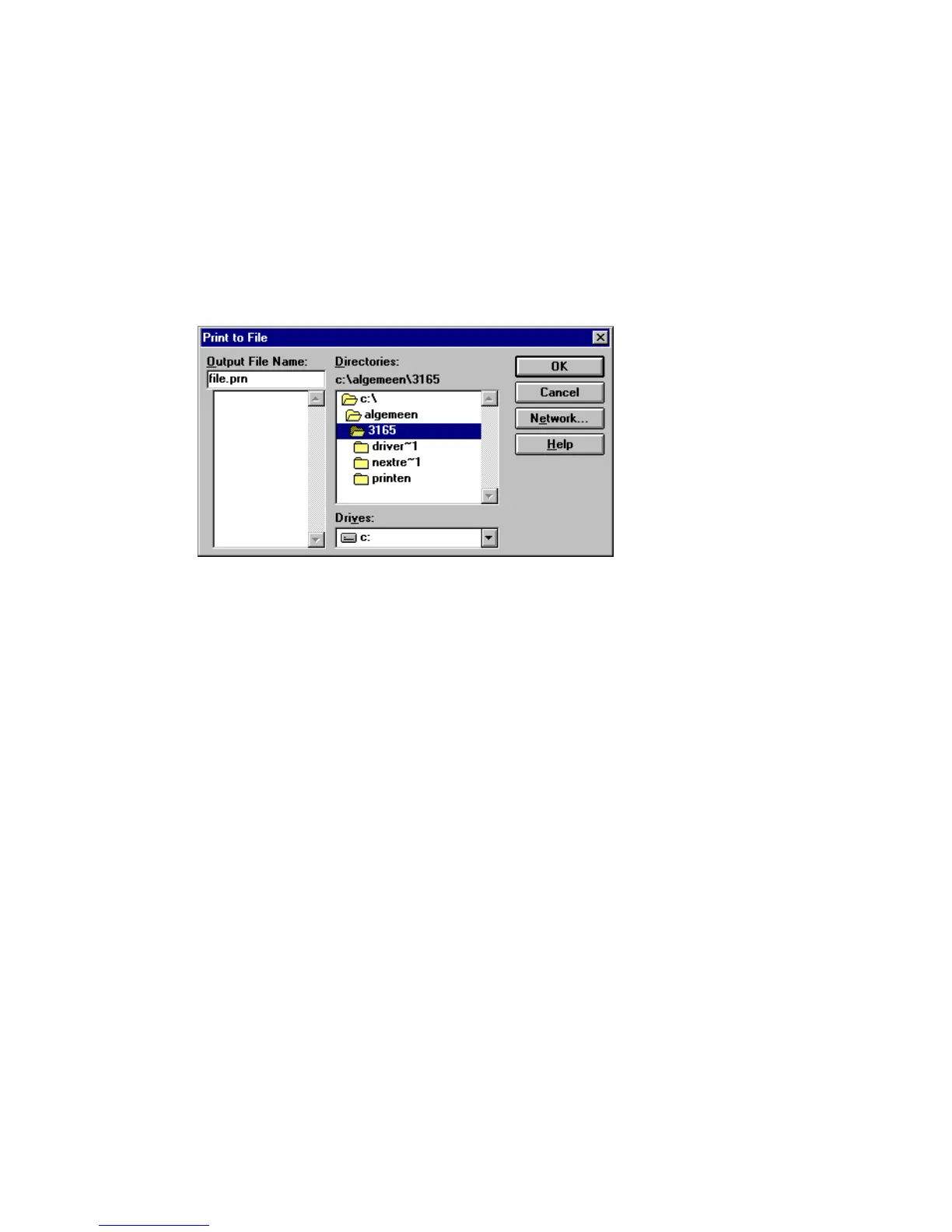
4 A Print to File window pops up. Browse to the directory in which to place your
print file and enter a file name (see figure 51).
Note: In some applications you can only enter a file name and the print file
must be moved to the destination directory afterwards.
[51] Creating a print file from a document
5 Click ‘OK’. The Océ 3165 printer driver window appears.
6 Enter the required settings.
7 Click ‘OK’.
A print version of your document is placed in the indicated directory.



 To Next Page