146 Océ 3165 User Manual
Submitting a job for printing
The users send all files to be printed to a directory on the file server. With the
Océ 3165 Job SubmitIT application, you can browse to this directory and
execute the print jobs. If necessary, you can overrule the settings defined by the
user.
You may decide to have the print jobs printed at a later time as the Océ 3165
is occupied at the moment you like to print. Using the ‘Print only to file’ option
enables you to change and/or overrule settings for the waiting print jobs at this
moment and saves the file and its new settings for printing at a more
convenient time.
Note: It is recommended to print a test copy first. The copy is made according
to the selected settings but with the number of copies set to 1.
▼ Submitting a job for printing
1
Open the application (see page 145).
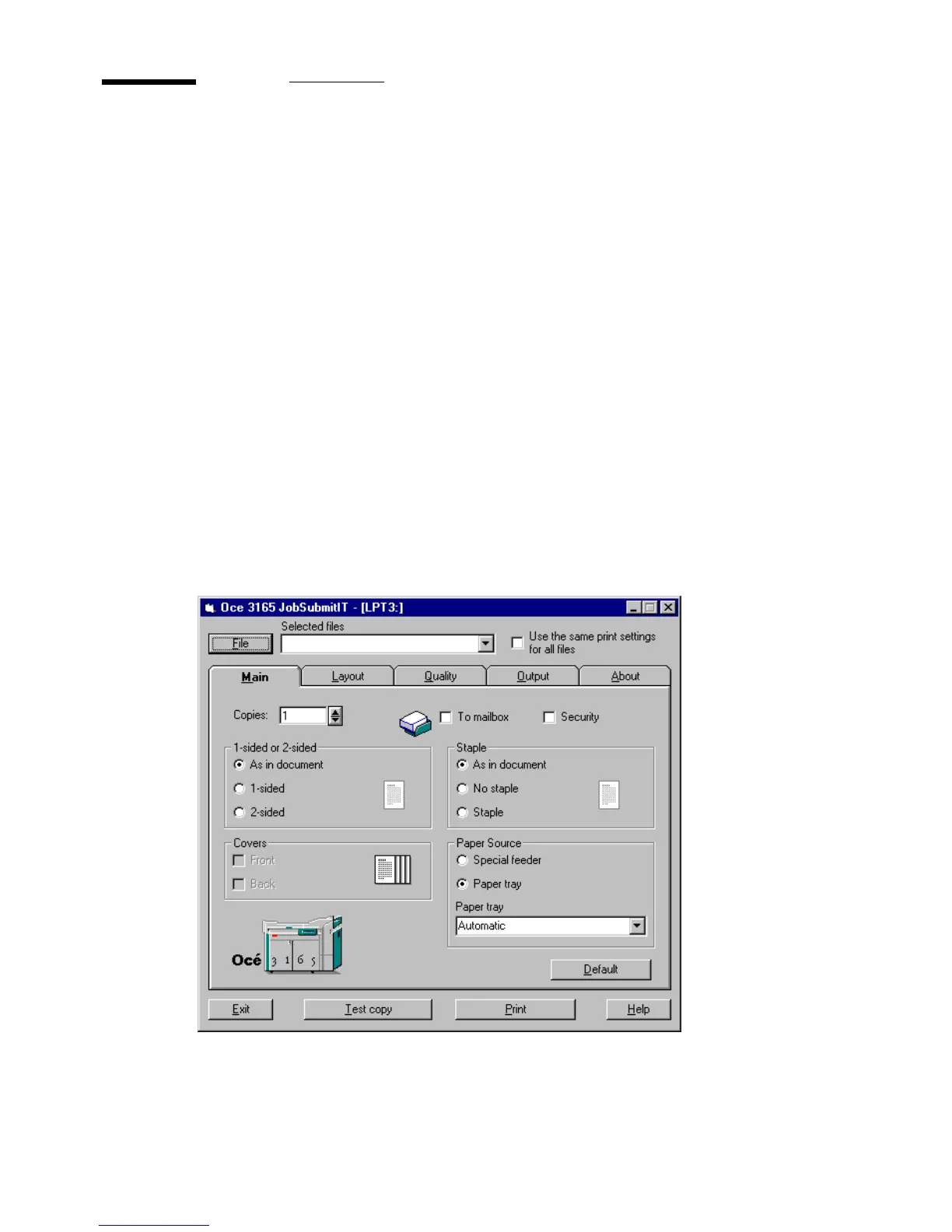
The Main tab of the application is shown (see figure 80).
[80] The ‘Main’ tab of the Job SubmitIT application



 To Next Page